Expense Management Software with Tally Integration
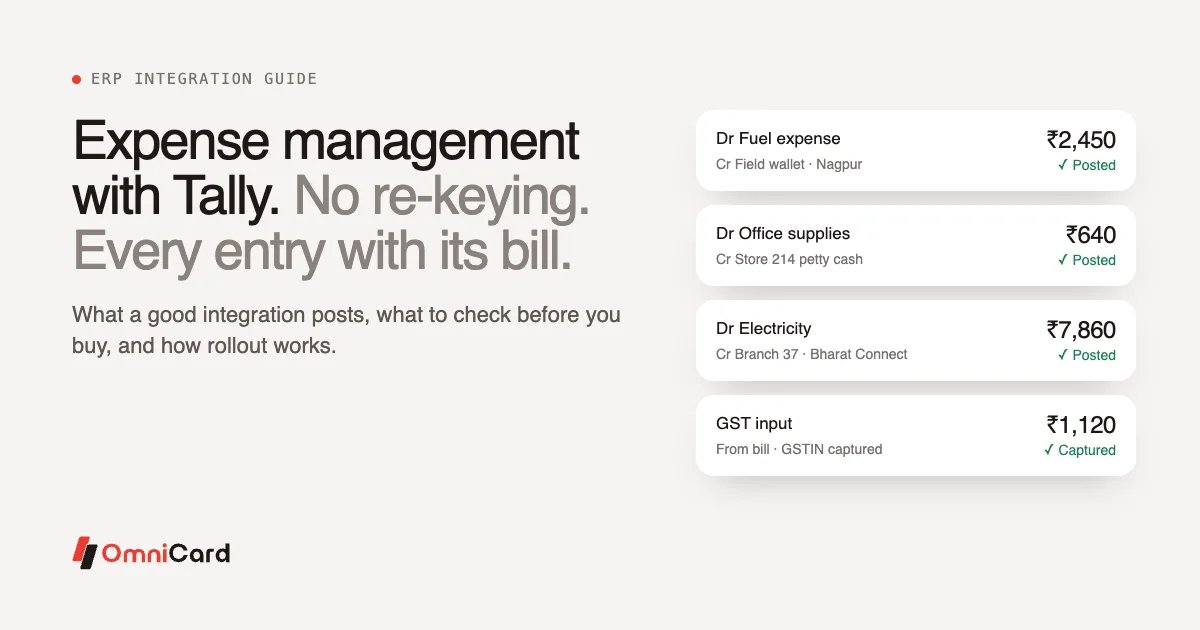
Expense management software with Tally integration sends approved employee spend straight into your Tally books as journal entries, with the bill, cost centre, GST details and approval trail attached. Finance stops re-typing expenses from spreadsheets and claims, and the books stay in step with actual spending.
Tally is widely used by businesses in India, from single-branch companies to groups with many entities. This guide explains what re-keying really costs, what a good integration does, what to check before you buy, and how a rollout usually runs. The same ideas apply to SAP, Zoho Books, Oracle and Microsoft Dynamics.
The problem with re-keying expenses into Tally
In many finance teams, expenses reach Tally in a familiar way. Employees pay with cards, UPI or their own money. Bills and claims come in by email or on paper. Someone builds a spreadsheet, codes each line, and then types the entries into Tally one by one.
That process has three costs.
Time. Every expense is handled twice: once when it is reviewed and again when it is entered. For a business with hundreds of employees spending every day, this can take days each month, mostly at month-end.
Errors. Manual entry invites transposed digits, wrong dates, the wrong ledger, a missing cost centre or a GSTIN typed incorrectly. Each error has to be found and reversed later.
A broken trail. Once an entry is in Tally, the link to the bill and the approval is gone. When an auditor asks why a ₹12,400 repair expense was booked to a particular branch, someone has to dig through inboxes and folders to answer.
There is also a timing cost. If the books are updated only at month-end, managers make decisions on figures that are weeks old.
What a good Tally integration does
A proper integration does more than export a CSV file. It should handle each of these.
| Capability | What it means in practice |
|---|---|
| Journal entries from approved spend | Each approved payment or claim becomes an entry in Tally without re-typing |
| Ledger mapping | Expense categories in the software map to your Tally ledgers, set once and applied every time |
| Cost centres and branches | Each entry carries the cost centre, branch, project or department it belongs to |
| GST details | Supplier GSTIN, tax amounts and rates are carried with the entry, so input tax credit can be reviewed |
| Bill attached | The bill image stays linked to the entry for audit |
| Approval trail | Who approved, when, and under which policy is recorded with the entry |
| Payment reference | The card or UPI transaction reference is kept, so the entry ties back to the payment |
| Error handling | Entries that fail (a missing ledger, a closed period) are flagged instead of silently dropped |
Why the source of the data matters
An integration can only post what the expense system knows. If the software learns about spend only when a claim is filed, the entry is late and often incomplete. If the payment itself is captured with who paid, where, what for and against which policy, the entry is complete from the start.
This is where company-paid spend helps. When employees pay by company card or company UPI, the transaction, the bill and the policy check sit in one record, and posting to Tally becomes a matter of sending that record across. Our guide to how expense management and ERP work together covers this in more detail.
Expense reconciliation with Tally
Reconciliation checks that what is in Tally agrees with what was actually paid. With an integration, it gets simpler in three ways:
- Every entry has a payment reference, so matching entries to card or UPI statements is direct.
- Bills are matched to payments before posting, so there are fewer entries without support.
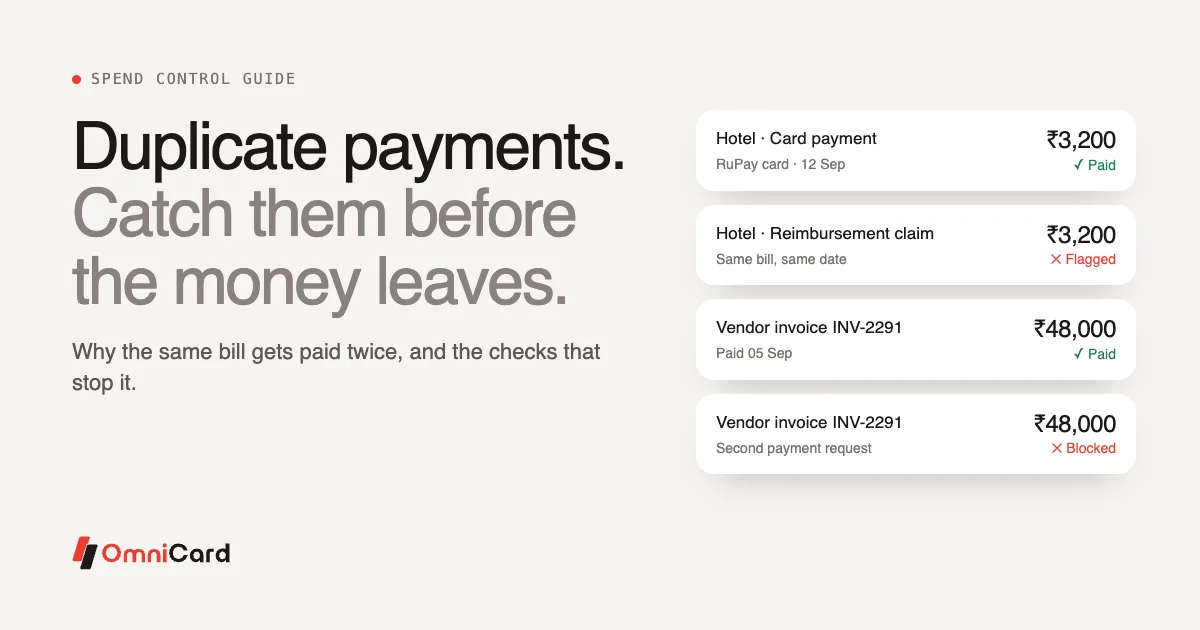
- Exceptions are visible early. Missing bills, duplicates and wrong codes are flagged before the entry reaches Tally.
For a full walk-through of the matching process, read our guide to corporate card reconciliation.
Corporate card Tally integration
Corporate card spend is often the hardest to get into Tally cleanly, because it is high-volume and spread across many employees. A corporate card Tally integration should:
- post each card transaction, or a daily summary by employee or cost centre, depending on how you want your books to look;
- map merchant categories to ledgers, so fuel goes to fuel and supplies go to supplies;
- carry the bill and GST details for each transaction;
- keep card loads, spend and balances consistent between the card platform and Tally.
On OmniCard, RuPay corporate prepaid cards and @omni UPI run on the same platform, so card and UPI spend follow the same ledger mapping and the same posting flow.
ERP integration beyond Tally: SAP, Zoho Books and others
Many businesses use Tally at some entities and SAP, Zoho Books or another ERP at others, or move from one to another as they grow. When you evaluate software, check that it can post to every system you use today and the one you may use next. The core requirements stay the same: ledger mapping, cost centres, GST details, the bill and the approval trail on every entry.
OmniCard integrates with Tally, SAP, Oracle, Zoho, Microsoft Dynamics and other systems through APIs.
What to check before you buy
Ask vendors to show these on your own data, in a live demo:
- A real posting. An approved expense appearing in your Tally company as a journal entry, with the right ledger and cost centre.
- Ledger mapping. How categories are mapped to your chart of accounts, and how changes are handled.
- GST handling. How supplier GSTIN and tax amounts are captured from bills and carried to the entry.
- Multiple entities and branches. How spend is posted to the right company and branch.
- Failures. What happens when a posting fails, and who is told.
- Audit trail. Whether you can go from a Tally entry back to the bill and the approval in one step.
- Payment capture. Whether the software sees spend at the time of payment, or only when a claim is filed.
- Security. Certifications such as ISO/IEC 27001, PCI DSS and SOC 2 Type II, and where data is stored. OmniCard holds all three and stores payment data in India.
Our guide to choosing expense management software has a wider checklist.
How a rollout usually works
Every business is different, but most rollouts follow the same stages.
- Map your chart of accounts. Finance lists the ledgers, cost centres and branches expenses should post to, and maps each spend category to a ledger.
- Set the policy rules. Limits by employee, category, merchant, location and time, and the approval matrix.
- Connect to Tally or your ERP. Configure the connection and test postings in a test company or a closed period.
- Pilot with one team. Start with a high-volume use case such as field fuel or store petty cash. Check every posted entry for the first cycle.
- Fix the mapping. Adjust ledgers and cost centres where the pilot shows gaps.
- Extend to more teams and entities once the first month closes cleanly.
How OmniCard handles it
On OmniCard spend management, employees pay by @omni UPI or OmniCard RuPay card from company funds, with limits by employee, category, merchant, location and time checked before the money moves. Each payment is captured with who, where, what for and against which policy. The Receipt/OCR agent reads the bill and matches it to the payment, the Audit agent flags duplicates and anomalies, and the Reconciliation agent posts approved spend to the ERP.
Because OmniCard is the issuer, card, UPI, wallet, settlement and ledger are one record. The Belgian Waffle Co., with 250 stores, reports 50% fewer man-hours on reconciliation.
Frequently asked questions
What is expense management software with Tally integration?
It is software that manages employee spend and claims, and posts approved expenses to Tally as journal entries with the ledger, cost centre, GST details, bill and approval trail, so finance does not re-type them.
Does Tally integration handle GST?
A good integration carries the supplier GSTIN, tax rates and amounts from the bill to the entry, so finance can review input tax credit. Check how each vendor captures GST from bills during the demo.
Can corporate card spend post to Tally automatically?
Yes, with the right software. Card transactions are matched to bills, coded to ledgers and cost centres, and posted as entries after approval.
Does OmniCard work with ERPs other than Tally?
Yes. OmniCard integrates with Tally, SAP, Oracle, Zoho, Microsoft Dynamics and other systems through APIs.
How long does a Tally integration take to set up?
It depends on the number of entities, ledgers and approval rules. Mapping the chart of accounts usually takes the most effort. A pilot with one team helps find gaps before a wider rollout.
Stop re-keying expenses
When approved spend reaches Tally with its bill, cost centre and approval attached, month-end becomes a review. See how OmniCard spend management works or book a demo.