Corporate Card Reconciliation: A Step-by-Step Guide
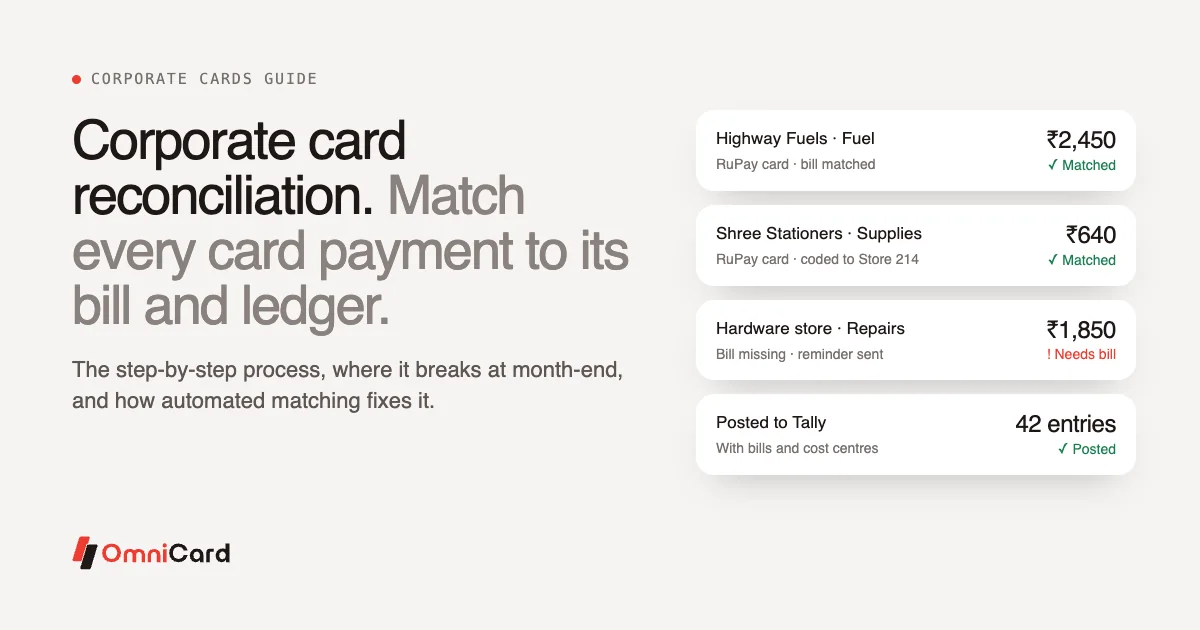
Corporate card reconciliation is the process of matching every corporate card transaction to a bill, a business purpose and the right ledger, then confirming that the total agrees with the card statement and the books. Done well, it means every rupee spent on a company card is backed by a document and recorded in the right place.
For most finance teams in India, it is also one of the slowest jobs of the month. This guide walks through the process step by step, shows where it usually breaks, lists the practices that help, and explains how automated card reconciliation works.
What corporate card reconciliation covers
A reconciliation answers four questions for each transaction:
- Did the payment happen as recorded? The amount, date and merchant on the card statement match the entry in your books.
- Is there a valid bill? A tax invoice or receipt supports the payment. Where GST applies, the invoice has the details you need to claim input tax credit.
- Is it coded correctly? The spend sits in the right ledger (fuel, travel, office supplies, repairs) and the right cost centre, branch or project.
- Was it allowed? The spend fits company policy and has the approvals it needs.
The first question is about accuracy. The other three are about control and compliance, and they take most of the time.
How to reconcile corporate card expenses, step by step
Here is the manual process most teams follow.
- Download the card statement for the period, for every card or card account.
- Collect bills from cardholders. Employees send photos, PDFs or paper bills by email, chat or courier.
- Match each bill to a transaction. Someone compares amount, date and merchant, line by line. Tips, partial payments and split bills make this harder.
- Chase what is missing. Transactions without bills go back to the employee, sometimes several times.
- Code each transaction. Assign the ledger, cost centre, GST treatment and a short narration.
- Get approvals for anything above a limit or outside the usual categories.
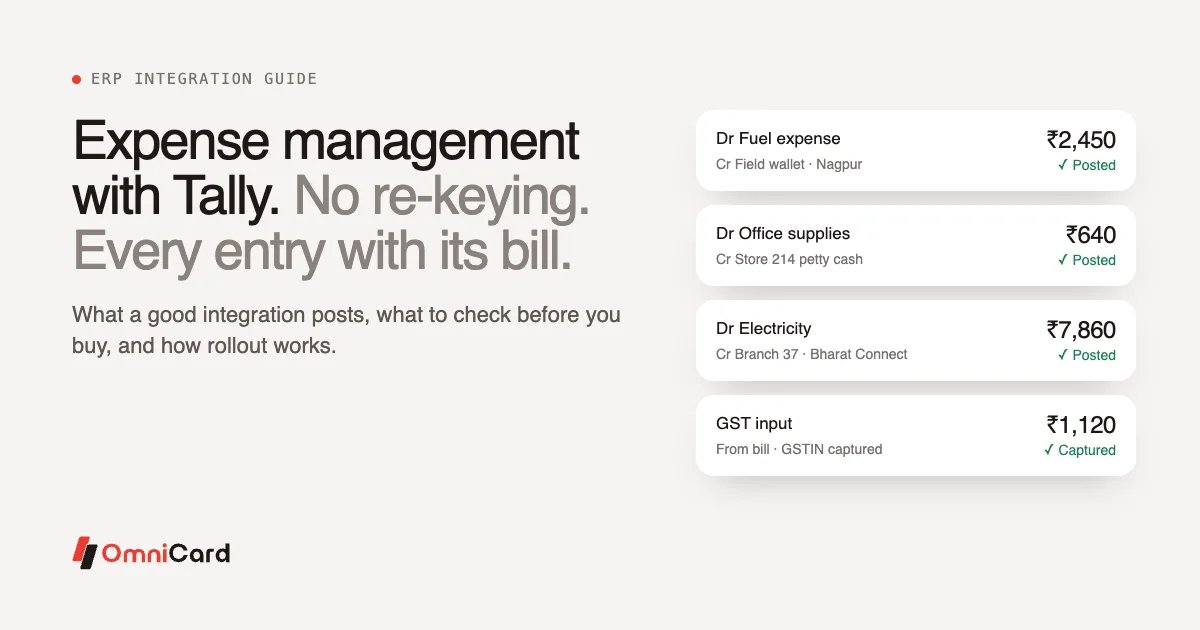
- Post to the books. Enter journal entries in Tally or your ERP, often by re-keying from a spreadsheet.
- Tie out the totals. Check that posted entries agree with the statement and the card account balance, and investigate the difference.
- File the evidence so auditors can trace any entry back to its bill and approval.
Each step is simple. The trouble is volume. A company with a few hundred cardholders can have thousands of transactions a month, and every one goes through all nine steps.
Where corporate card reconciliation breaks
Missing bills
The bill is the weakest link. Employees lose paper receipts, forget to upload them, or send them weeks after the spend. By the time finance chases, nobody remembers what the ₹1,850 payment at a hardware store was for. Without a bill, you cannot support the expense and you may lose the GST input tax credit on it.
Wrong ledgers and cost centres
When coding happens at month-end, the person coding is guessing. A payment at a fuel station might be vehicle fuel, a generator refill or snacks from the attached shop. Wrong coding distorts branch and project costs, and fixing it later means reversal entries.
The month-end crunch
Because bills and context arrive late, most of the work piles up in the last few days before close. Finance teams spend those days matching and chasing instead of reviewing. Mistakes are more likely when the pressure is highest.
Re-keying into the ERP
Typing entries from a spreadsheet into Tally or another system adds another chance for error: a transposed digit, a wrong date, a missed GSTIN. It also leaves no link between the posted entry and the bill behind it.
Late discovery of policy breaches
In a manual process, out-of-policy spend shows up only during reconciliation, after the money has gone. Recovering it from an employee is awkward, and small breaches are often written off.
Corporate card reconciliation best practices
These practices help whether you reconcile by hand or with software.
| Practice | Why it helps |
|---|---|
| Capture the bill at the time of payment | The employee still has the receipt and remembers the purpose |
| Require a purpose or category with each transaction | Coding becomes a check instead of a guess |
| Map merchant categories to ledgers in advance | Common spend codes itself the same way every time |
| Set limits by employee, category, merchant, location and time | Fewer out-of-policy transactions reach reconciliation at all |
| Reconcile weekly or daily instead of once a month | The crunch spreads out and issues surface while they are fresh |
| Keep the bill, approval and entry linked | Audit questions can be answered from one record |
| Review exceptions, not every transaction | Finance time goes where the risk is |
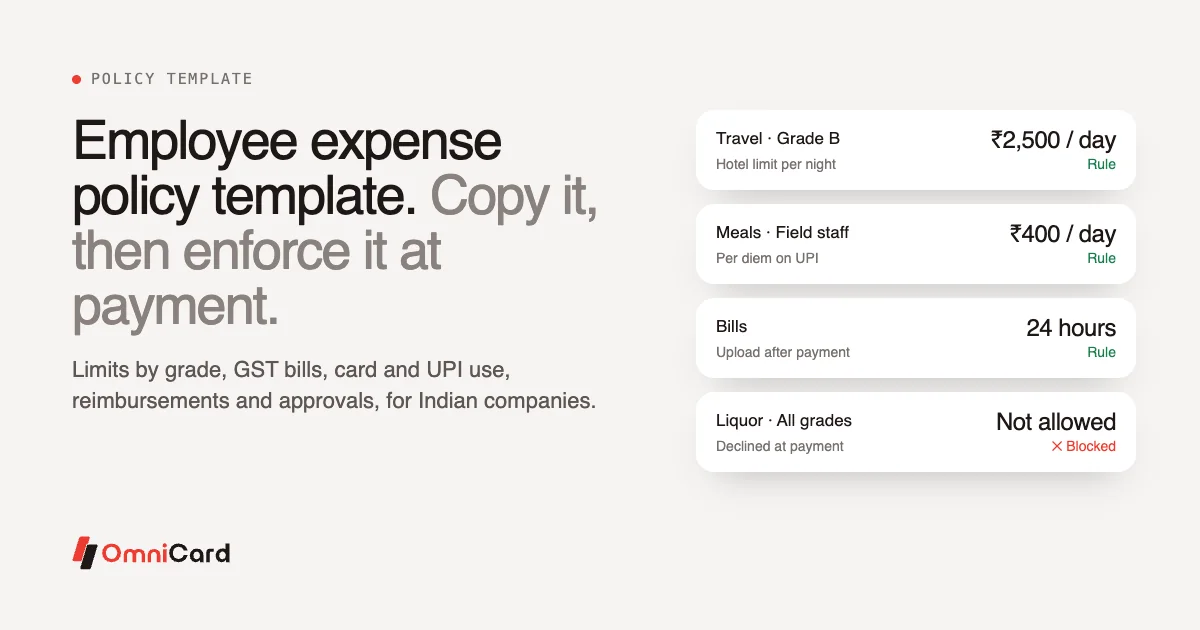
A written expense policy supports all of these. If you do not have one yet, our employee expense policy template is a starting point.
Real-time reconciliation: how it differs
Real-time reconciliation means each transaction is matched, coded and checked as it happens, instead of in a batch at month-end. Three things make it possible:
- The payment record is complete at the source. When the card or UPI payment is captured with who paid, where, what for and against which policy, finance does not have to rebuild that context later.
- The bill arrives with the payment. The employee photographs the bill right after paying, and it is matched to that transaction.
- Policy is checked before the money moves. Out-of-policy spend is declined at the point of purchase, so it never becomes a reconciliation problem.
This is the approach OmniCard takes. Every rupee field staff, branches and stores spend by UPI or RuPay card is captured the moment it is paid, with who, where, what for and against which policy. Rules are checked before the money moves. Because OmniCard is the issuer of its RuPay prepaid cards and runs its own UPI, the card, UPI, wallet, settlement and ledger are one record.
How automated card reconciliation works
Automated card reconciliation software replaces the manual steps above with a flow like this:
- Payment captured. The card or UPI payment is recorded instantly with amount, merchant, time and location.
- OCR bill capture. The employee snaps the bill. OCR reads the amount, date, merchant and tax details and matches the bill to the payment.
- AI coding. The software suggests a ledger and cost centre for the transaction, for example from the merchant category and how similar spend was coded before. Finance reviews exceptions.
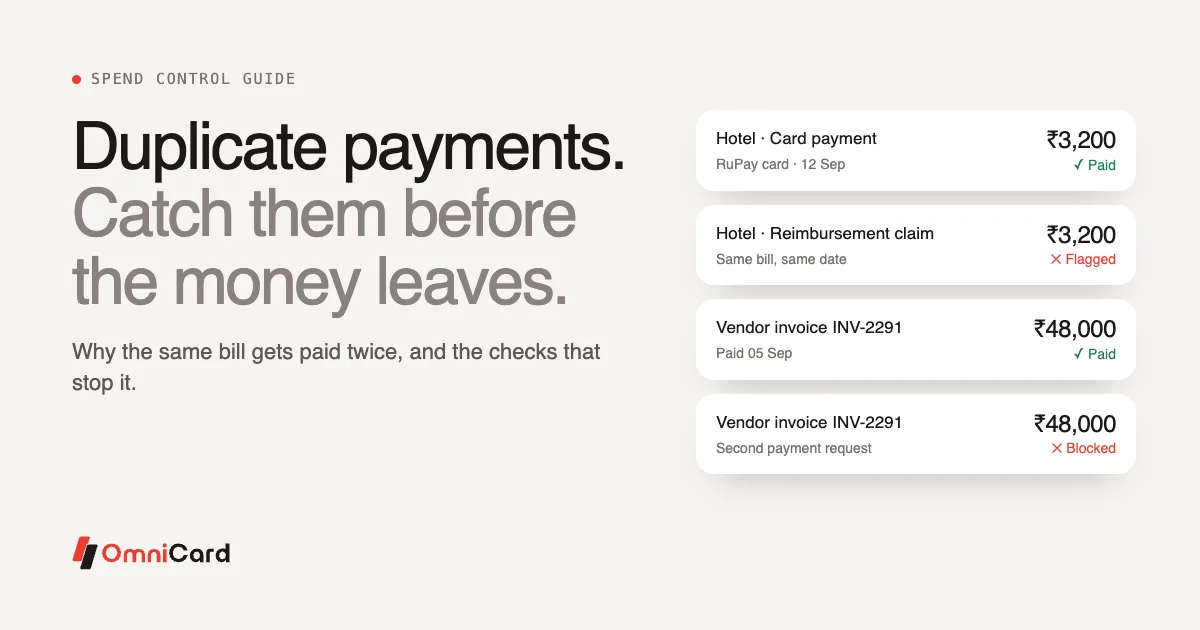
- Audit checks. Duplicates and anomalies are flagged for review. Our guide to duplicate payments explains what these checks look for.
- Approvals for exceptions. Only transactions that need a second look go to a manager.
- ERP posting. Approved spend is posted to Tally, SAP, Oracle, Zoho, Microsoft Dynamics or other systems through APIs, with the bill, cost centre and approval trail attached.
On OmniCard, these steps are handled by AI agents for policy, receipt and OCR, audit (duplicates and anomalies) and reconciliation (ERP posting). The finance team's job moves from matching to reviewing.
What changes for the finance team
| Manual reconciliation | Automated reconciliation | |
|---|---|---|
| Bill collection | Chased at month-end | Captured at the time of payment |
| Matching | Line by line in a spreadsheet | OCR matches bill to payment |
| Coding | Done by finance, often from memory | Suggested automatically, reviewed by exception |
| Policy breaches | Found after the spend | Declined before the money moves |
| Posting | Re-keyed into the ERP | Posted as journal entries with bill and approval |
| Audit trail | Spread across email, files and the ERP | One record per transaction |
The Belgian Waffle Co., with 250 stores, reports 50% fewer man-hours on reconciliation with OmniCard.
What to look for in corporate card reconciliation software
- Bill capture with OCR and automatic matching to the payment.
- Policy checked at authorisation, with limits by employee, category (MCC), merchant, location and time.
- Ledger and cost centre mapping that follows your chart of accounts.
- Duplicate and anomaly checks before the entry is posted.
- ERP integration with the system you already use, including GST details on the entry.
- One view across cards and UPI, so all company spend reconciles in the same place. See our guide to UPI expense management for how the two fit together.
- Security and data location. OmniCard holds ISO/IEC 27001, PCI DSS and SOC 2 Type II, and stores payment data in India.
For a broader checklist, read our guide to choosing expense management software.
Frequently asked questions
What is corporate card reconciliation?
It is the process of matching each corporate card transaction to a bill, a business purpose and the right ledger, then confirming that the totals agree with the card statement and the books.
How often should corporate card expenses be reconciled?
As often as you can. Monthly is the minimum. Weekly or daily reconciliation spreads the work out and catches missing bills and wrong coding while employees still remember the spend. Real-time reconciliation does it for each transaction as it happens.
What happens if a corporate card transaction has no bill?
Finance should chase the employee for it. If no valid bill turns up, the expense is hard to support in an audit and any GST input tax credit on it may be lost. Capturing the bill at the time of payment avoids most of these cases.
How does receipt matching work in reconciliation software?
The employee photographs the bill after paying. OCR reads the amount, date and merchant, and the software matches the bill to the card or UPI transaction with the same details. Mismatches go to finance for review.
Can corporate card reconciliation be fully automated?
Most of it can: capture, matching, coding suggestions, duplicate checks and ERP posting. Finance still reviews exceptions and signs off on the close, which is where its time is best spent.
Make reconciliation part of every payment
Reconciliation gets easier when the record, the bill and the policy check all happen at the moment of payment. See how OmniCard corporate cards work, explore OmniCard spend management, or book a demo.