Best Expense Management Software in India (2026 Guide)
Expense management software helps a business control, record and account for what its people spend: fuel, travel, petty cash, local purchases, vendor payments and bills. In India, the question has changed in the last few years. Much of the day-to-day business spend at stores, fuel pumps, sites and branches is now paid by UPI or card at the point of purchase, so the useful question is no longer "how do we process claims faster?" but "can we see and control each payment as it happens?"
This guide brings together our earlier guides on expense and spend management software and updates them for 2026. It covers what the software does, the two ways these tools are built, the features that matter, the main platforms used in India, and how to choose and roll one out.
What is expense management software?
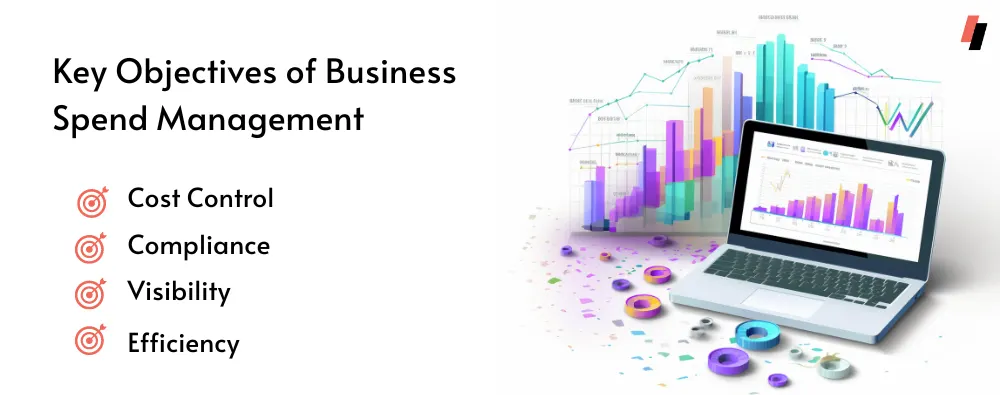
Expense management software tracks, controls and optimises what a business spends. It makes sure every expense is approved, recorded and in line with company policy and budgets, and that it reaches the books with the right bill, ledger and cost centre. Business spend management is the wider discipline around it: budgets, vendor payments, invoices and analysis across the whole company.
The core jobs are the same in every tool:
- Tracking: every expense recorded with who spent it, on what, when and where.
- Policy: limits and rules by employee, grade, team, category and location.
- Approvals: single or multi-level, with an audit trail.
- Receipts: bills captured digitally, usually read by OCR, instead of paper in a drawer.
- Accounting: approved spend posted to the ERP or accounting system without re-keying.
- Reporting: spend by team, branch, category and vendor, and exceptions for finance to review.
Claim-first or pay-first: the two kinds of tool
Expense tools fall into two broad designs, and knowing which one you are looking at saves a lot of evaluation time.
Claim-first (reimbursement) tools start after the money is spent. An employee pays with personal money or a company card, uploads the bill and files a claim; a manager approves it and finance checks and reimburses it, often weeks later. Policy is checked on the claim, after the payment.
Pay-first (spend control) tools give employees a company-funded way to pay, such as a prepaid or corporate card or a business UPI ID, and check policy when the payment is authorised. A payment outside policy is declined before the money moves, and the record (amount, merchant, location, purpose) exists the moment it is paid. Claims are only needed for the exceptions.
Many businesses need both: pay-first for the high-volume, repeatable spend in the field and at branches, and a claims flow for the occasional personal payment. When you compare platforms, check which of the two each one is built around.
Why the last mile matters in India
In a multi-branch or field-heavy business, most expenses are small and happen far from head office: a sales rep's fuel, a store's petty cash, a site engineer paying a local supplier, a branch paying its electricity bill. These are the payments that finance traditionally sees last, in a spreadsheet or a bundle of bills at month-end.
UPI changed where and how these payments are made. If your expense tool can pay by UPI and card at the point of purchase and apply policy before the payment, finance sees every rupee as it is spent instead of weeks later. We call this last-mile visibility, and it is the first thing we suggest checking in any tool you evaluate. Our guide to UPI expense management explains how it works step by step.
Features to look for in 2026
- Payments at the point of purchase. Can employees pay from company funds by UPI (scan any QR) and by card, or does the tool only handle claims?
- Policy before payment. Limits by employee, category, merchant, location and time, checked when the payment is authorised, not only when a claim is reviewed.
- Receipt capture with OCR. Bills photographed in the app, read automatically and matched to the payment.
- Approvals where managers are. Mobile and messaging approvals, single or multi-level, with an audit trail.
- ERP and accounting integration. Journal entries posted to Tally, SAP, Oracle, Zoho, Microsoft Dynamics or your own system, with the bill and cost centre attached.
- GST data. GST details captured from bills so input tax credit isn't lost.
- Multi-branch reporting. Spend by branch, store, region and team, live, with exceptions flagged.
- Scale and roll-out. Issuing cards and IDs to hundreds or thousands of employees without a long project.
- Security and regulation. For tools that move money, check who issues the payment instrument and under which licence, where payment data is stored, and certifications such as ISO/IEC 27001, PCI DSS and SOC 2.
- Support. A named account manager and fast support matter more than any single feature once you are live.
The hidden costs of manual expense management
If you still run expenses on spreadsheets, paper bills and email approvals, the costs are real even when they don't show up as a line item:
- Time: employees filling claims, managers chasing bills, finance re-keying entries into the ERP.
- Errors: typos, duplicate claims and wrong ledgers that surface at audit.
- Policy leakage: out-of-policy spend is found after it has been paid, if at all.
- Slow reimbursements: employees out of pocket for weeks, which hurts morale in field roles.
- No visibility: no live view of spend across branches until the month closes.
- Audit and compliance risk: missing bills and approvals, and lost GST input credit.
- Paper and storage: physical bills to file, store and retrieve.
Expense management platforms used in India
Below are platforms Indian businesses commonly evaluate. Descriptions are summaries of how each vendor presents its product; check current features, pricing and fit directly with each vendor.
| Platform | Approach | Stand-out features | Often evaluated by |
|---|---|---|---|
| OmniCard | Pay-first (UPI and RuPay, own licence) | Policy checked before payment, last-mile capture, ERP posting | Multi-branch and field-heavy businesses |
| SAP Concur | Travel and expense | Travel booking plus expense reports | Large enterprises on SAP |
| Zoho Expense | Claim-first | Receipt scanning, approvals, Zoho integration | Teams on Zoho |
| Happay | Prepaid cards plus expense | Audit flags, GST capture | Medium and large enterprises |
| Fyle | Claim-first | AI receipt extraction, policy checks | Finance teams focused on reporting |
| ITILITE | Travel and expense | Policy-based travel booking | Travel-heavy companies |
| Volopay | Cards and payouts | Subscriptions, vendor payouts, reconciliation | Startups and SMEs |
| Zaggle | Expense workflows | Travel integration, mileage, ERP integration | Enterprises with travel spend |
| Expensify | Claim-first | SmartScan OCR, card reconciliation | Global teams |
| Rydoo | Claim-first | Receipt extraction, AI duplicate checks | Companies with HR and travel tools |
Approach and features summarise how each vendor presents its product (checked September 2026). OmniCard publishes this guide.
OmniCard
OmniCard is an expense and spend management platform built on UPI and RuPay. It is operated by Eroute Technologies Pvt. Ltd., an RBI-authorised Prepaid Payment Instrument (PPI) issuer and a direct NPCI issuer, so it issues RuPay cards and runs UPI (IDs like name@omni) under its own licence, without a partner bank.
- Pay-first: employees pay from company funds by @omni UPI or RuPay card (physical or virtual).
- Last-mile visibility: every payment is captured when it's made, with who, where, what for and the policy it was checked against.
- Policy before payment: limits by employee, category, merchant, location (geo-fencing) and time.
- Bills and approvals: OCR bill capture, approvals in the app or on WhatsApp, and Reimburse360 for claims.
- ERP posting: Tally, SAP, Oracle, Zoho, Microsoft Dynamics and APIs.
- Beyond expenses: petty cash, BBPS bill payments for branches, FASTag for fleets and employee benefits on the same platform.
- Security: ISO/IEC 27001, PCI DSS and SOC 2 Type II; payment data stored in India.
Customer results include Berar Finance (NBFC, 7 states: up to 20% saved on monthly spend and reimbursements 57% faster) and The Belgian Waffle Co. (250 stores: 50% fewer man-hours on reconciliation). See OmniCard expense management.
SAP Concur
SAP Concur brings travel, expense and invoice processes into one system. It combines travel bookings with expense reports, offers a mobile app, applies compliance controls and provides analytics on spending patterns. It is typically evaluated by larger enterprises that already run SAP.
Zoho Expense
Zoho Expense is a cloud-based expense reporting tool covering the flow from receipt capture to reimbursement. It offers receipt scanning in the mobile app, automated expense reports, multi-level approval workflows, budgets and spending limits, corporate card integration and multi-currency support, and it connects with other Zoho products.
Happay
Happay is a spend management platform aimed at medium and large enterprises. It offers prepaid business cards with limits, automated expense reporting, audit features that flag duplicates and mismatches, GST data capture and analytics on travel and expense data. See our side-by-side OmniCard vs Happay comparison.
Fyle
Fyle is an expense management tool focused on the expense reporting process. It extracts details from receipts with AI, tracks expenses in real time, supports customisable approval workflows and policy checks, and integrates with accounting software and ERPs.
ITILITE
ITILITE is a travel and expense management platform. Companies use it to book business travel with policy-based recommendations, and to track and manage travel and related expenses in the same place.
Volopay
Volopay is a spend management platform for business payments such as software subscriptions, petty cash, travel, online advertising, reimbursements and vendor payouts. Features include cards, expense categorisation, electronic payments to vendors and employees, and automated reconciliation.
Zaggle
Zaggle offers expense management with end-to-end workflows for travel and business spend. Its features include digital payments to reduce cash, expense report generation, travel integration, mileage tracking, access controls and ERP integration. See our side-by-side OmniCard vs Zaggle comparison.
Expensify
Expensify is a US-based expense management company. Its tools include receipt scanning with OCR (SmartScan), corporate card reconciliation, multi-level approvals, expense reports and integrations with accounting and travel software.
Rydoo
Rydoo is an expense management platform for expense reporting and approvals. It offers receipt scanning with data extraction, configurable policies and approval workflows, AI checks for duplicates and non-compliant claims, and integrations with finance, ERP, HR and travel tools.
How to choose the right expense management software
- Map where your money is actually spent. List the spend that happens at branches, stores, sites and in the field, not only travel. If most of it is small, frequent and local, prioritise pay-first tools with UPI and cards.
- Decide what must be controlled before payment. Categories, merchants, locations, amounts per employee or grade. Ask each vendor to show a payment being declined, not just a claim being rejected.
- Check the payment rails. Who issues the card or UPI ID, under which licence, and what happens when an employee scans a QR at a small merchant.
- Test the ERP integration with your chart of accounts. Ask for a live posting into your ERP, with the bill and cost centre attached.
- Look at approvals from the manager's side. How many taps does it take to approve from a phone?
- Work out total cost. Licences, card and transaction fees, implementation, and the finance hours you will save.
- Run a pilot. One region or a handful of branches for a month tells you more than any demo.
Tips for a smooth roll-out
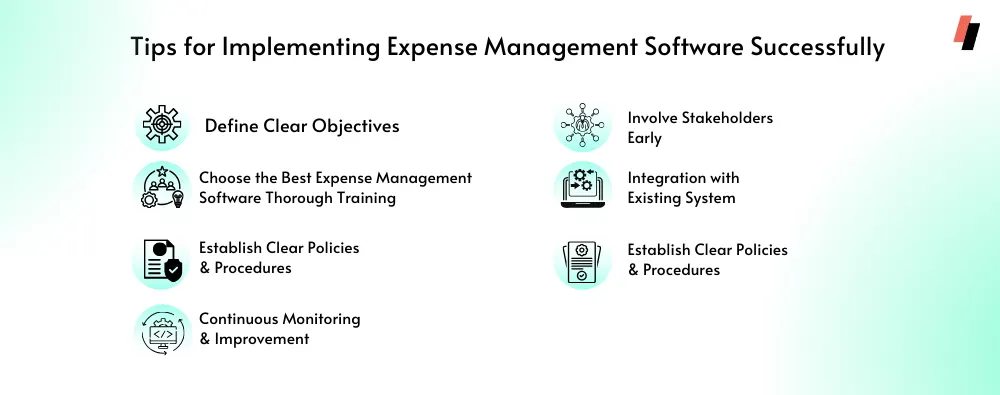
- Write the policy first. Clear categories, limits and approval chains by team and grade make configuration quick.
- Start with one high-volume use case, such as field fuel or store petty cash, then add the rest.
- Train by role. Employees need to know how to pay and snap bills; managers how to approve; finance how to review exceptions.
- Connect the ERP early so the first month closes in the new system.
- Review the exceptions report every week in the first month and tighten or relax limits.
- Retire the old process once the pilot works, so staff don't run two systems.
Frequently asked questions
What is the difference between expense management and spend management?
Expense management usually means employee expenses: claims, reimbursements and the bills behind them. Spend management is broader and covers all business spend, including vendor payments, subscriptions, bills and budgets. Many platforms now do both.
Do I need corporate cards to use expense management software?
No. Claim-first tools work without cards. But if you want policy checked before payment and a record the moment money is spent, you need a company-funded way to pay, such as prepaid or corporate cards or business UPI IDs.
Can expense management software work with UPI?
Some platforms can. OmniCard, for example, gives each employee an @omni UPI ID on its own UPI infrastructure, so they can scan any UPI QR and pay from company funds, with policy checked before the payment goes through.
How does expense management software help with GST?
By capturing bills digitally at the time of the expense and reading GST details from them, so the input tax credit is claimed instead of being lost with a paper bill.
Is expense management software only for large companies?
No. Small businesses gain from fewer manual steps and faster reimbursements, and large companies from policy control and visibility across many branches. The right tool depends on how many people spend, where, and how often.
Final takeaway
In 2026 the difference between expense tools is less about forms and reports and more about when finance gets control: at month-end, when a claim arrives, or at the moment of payment. If your spend is spread across branches, stores and field teams, look for UPI and card payments with policy checked before the money moves, bills captured on the spot and posting straight into your ERP. See how OmniCard expense management works or book a demo.