UPI Expense Management: A Guide for Indian Businesses
UPI expense management means employees pay business expenses by UPI from company funds, instead of paying with their own money and claiming it back later. Each payment is checked against company policy before it goes through, and it is recorded the moment it is made: who paid, where, what for and against which policy.
For a business with field teams, stores, sites or branches, this changes when finance sees spending. Instead of a pile of bills and claims at month-end, every rupee shows up as it is spent. We call this last-mile visibility.
This guide explains how UPI expense management works, how it differs from claim-based tools, where expense cards for employees fit in, and what to check when you choose a platform.
How UPI expense management works
- The company funds a business wallet. Money is loaded once, centrally, instead of handing out cash advances or asking staff to pay personally.
- Each employee gets a way to pay. On OmniCard, that is an @omni UPI ID on OmniCard's own UPI infrastructure (for example name@omni), and, where needed, a RuPay card, physical or virtual.
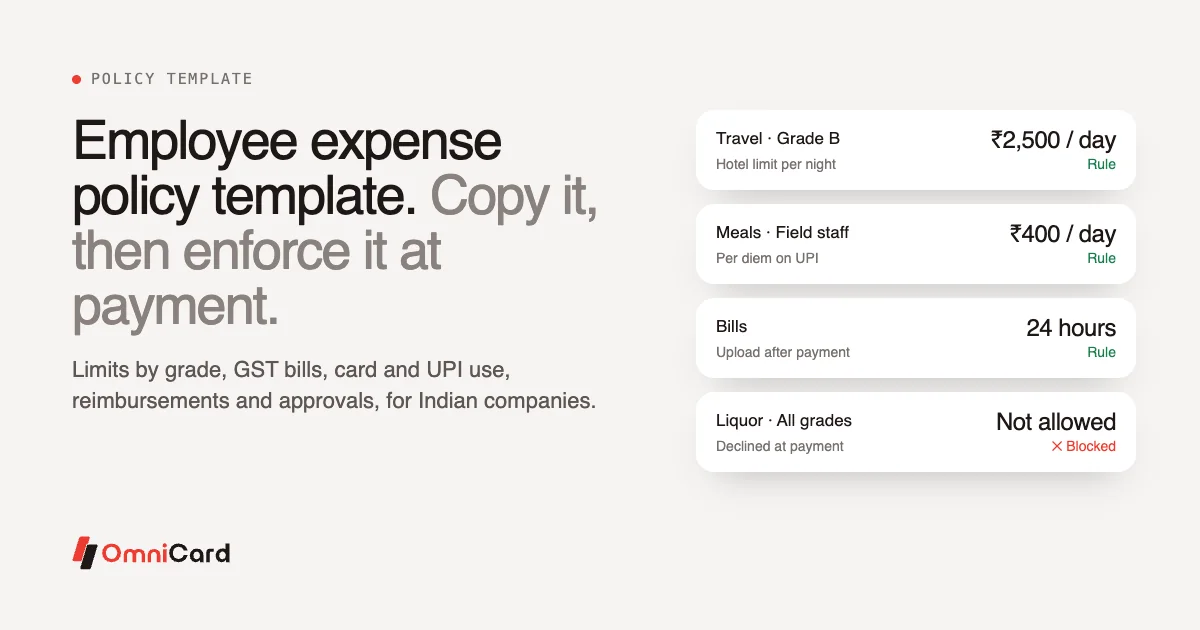
- Finance sets the rules. Limits by employee, category, merchant, location and time: how much a sales rep can spend on fuel in a day, which categories a store can spend petty cash on, where a site team can pay vendors.
- The employee scans and pays. They scan any UPI QR at a fuel pump, a shop or a supplier, or tap the card.
- Policy is checked before the money moves. A payment outside the rules is declined at that moment, not found weeks later in a claim.
- The record exists instantly. Amount, merchant, time, location and purpose are captured with the payment. The employee snaps the bill, OCR reads it and matches it to the payment.
- Approvals only for exceptions. Managers approve from the app or WhatsApp where a second check is needed.
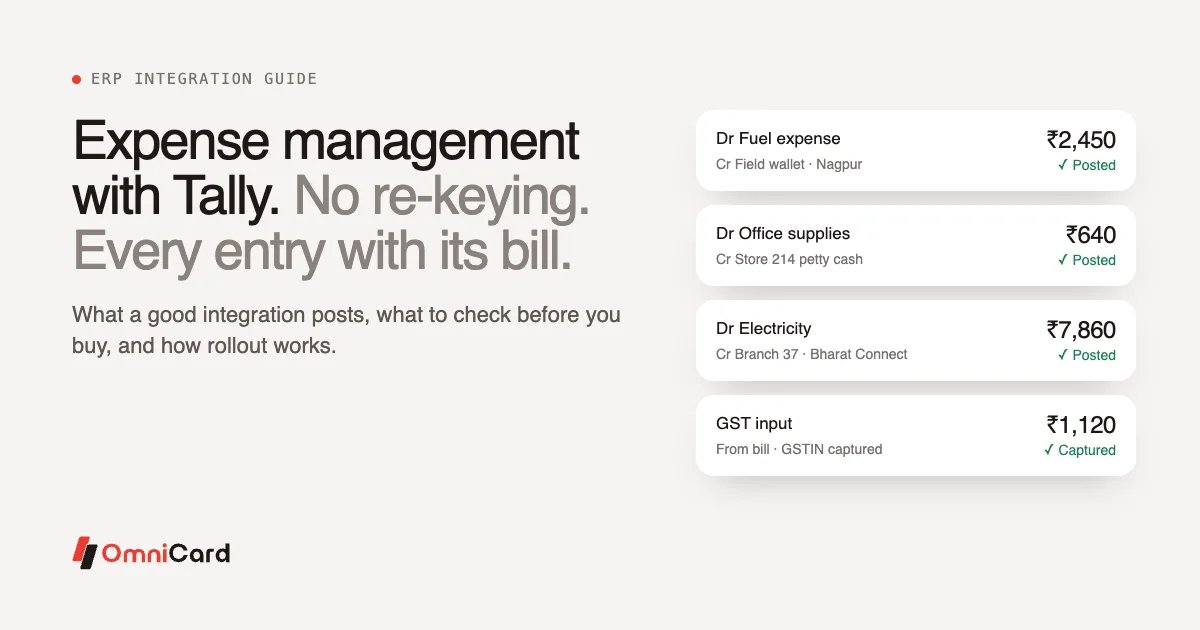
- It reaches the books. Approved spend posts to Tally, SAP, Oracle, Zoho, Microsoft Dynamics or your system through APIs, with the bill, cost centre and approval trail attached.
Real-time UPI expense management vs claim-based expense tools
| Claim-based expense tools | Real-time UPI expense management | |
|---|---|---|
| Who pays first | The employee, from their own money or a cash advance | The company, from a business wallet |
| When policy is checked | When the claim is reviewed, after the money is spent | When the payment is authorised, before the money moves |
| When finance sees the spend | When the claim is filed, often weeks later | The moment it is paid |
| Out-of-policy spend | Found after it has happened, then recovered or written off | Declined at the point of purchase |
| Bills | Collected and submitted with the claim | Snapped at the time of payment and matched automatically |
| Employee experience | Out of pocket until reimbursed | No personal money involved |
Claims still have a place. When an employee does pay personally, a reimbursement flow such as Reimburse360 handles the bill, approval and settlement. But for the repeatable, high-volume spend at the edges of a business, paying first from company funds removes most claims altogether.
What last-mile visibility looks like
In a multi-branch or field business, the spend finance usually sees last is the spend that happens furthest from head office. With UPI expense management, each of these is visible as it happens:
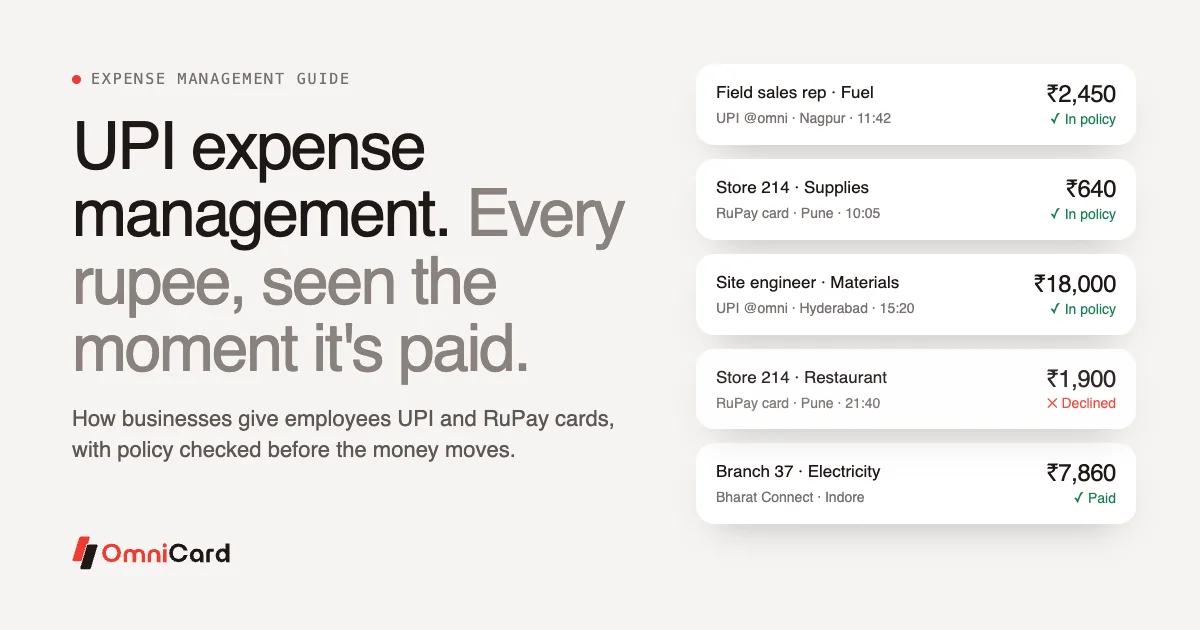
- A field sales rep pays ₹2,450 for fuel by UPI in Nagpur. Finance sees the amount, the fuel pump, the time and the location, checked against the daily fuel limit.
- A store manager pays ₹640 for supplies from the store's petty cash on a RuPay card. A restaurant bill on the same card would be declined because the category isn't allowed.
- A site engineer pays a local supplier ₹18,000 by UPI for materials. The same payment made outside the site's geo-fence, or above the vendor limit, would be declined.
- A branch pays its electricity bill on Bharat Connect (BBPS), coded to the branch's cost centre.
These are illustrations of how the controls work; the limits are yours to set.
Expense cards for employees: where they fit
An expense card for employees is a company-funded card that staff use for business spend, with limits set by the company. On OmniCard these are RuPay prepaid cards on OmniCard's own BIN, available as physical or virtual cards, and they sit on the same wallet and rules as the employee's UPI ID.
When to use which:
- UPI suits payments where the merchant shows a UPI QR: fuel, local shops, small suppliers, services.
- Cards suit card terminals, online payments and subscriptions, and travel.
- Both on one platform means one set of limits, one live view and one ERP posting, whichever way the employee pays.
What to look for in a UPI expense management platform
- Who issues the UPI ID and the card, and under which licence. OmniCard is operated by Eroute Technologies Pvt. Ltd., an RBI-authorised Prepaid Payment Instrument (PPI) issuer and a direct NPCI issuer, so it issues RuPay cards and runs UPI under its own licence, without a partner bank.
- Policy at authorisation. Ask to see a payment declined at the point of purchase, not a claim rejected afterwards.
- The dimensions you can control: employee, category, merchant, location and time.
- Bill capture with OCR and automatic matching to the payment.
- ERP integration with your chart of accounts, cost centres and GST.
- Multi-branch reporting: spend by branch, store, region and team, live.
- Security: certifications such as ISO/IEC 27001, PCI DSS and SOC 2 Type II, and where payment data is stored. OmniCard stores payment data in India.
Frequently asked questions
What is UPI expense management?
It is a way of managing business expenses where employees pay by UPI from company funds, with company policy checked before each payment and the payment recorded instantly with who, where and what for. It replaces most out-of-pocket spending and reimbursement claims.
Can employees pay any UPI QR code?
On OmniCard, yes. Each employee gets an @omni UPI ID and can scan any UPI QR, subject to the limits the company sets by category, merchant, location and time.
Is UPI expense management real time?
Yes. The policy check happens when the payment is authorised, and the payment appears for finance as soon as it is made, with the bill added when the employee snaps it.
What is an expense card for employees?
A company-funded card that employees use for business spending, with limits set by the company. On OmniCard it is a RuPay prepaid card, physical or virtual, on the same wallet and rules as the employee's UPI ID.
Does UPI expense management replace reimbursements?
For most day-to-day spend, yes, because employees no longer pay with their own money. For the occasional personal payment, a reimbursement flow such as Reimburse360 handles the claim.
How does it connect to accounting?
Approved spend is posted as journal entries to your ERP (Tally, SAP, Oracle, Zoho, Microsoft Dynamics or others through APIs) with the bill, cost centre and approval trail attached.
Getting started
Start with one high-volume use case, such as fuel for field teams or petty cash at stores, set the limits, and add the rest once the first month closes cleanly. See how OmniCard expense management works, read our guide to choosing expense management software, or book a demo.