
Employees Paying Vendors Within Policy: A Practical Guide
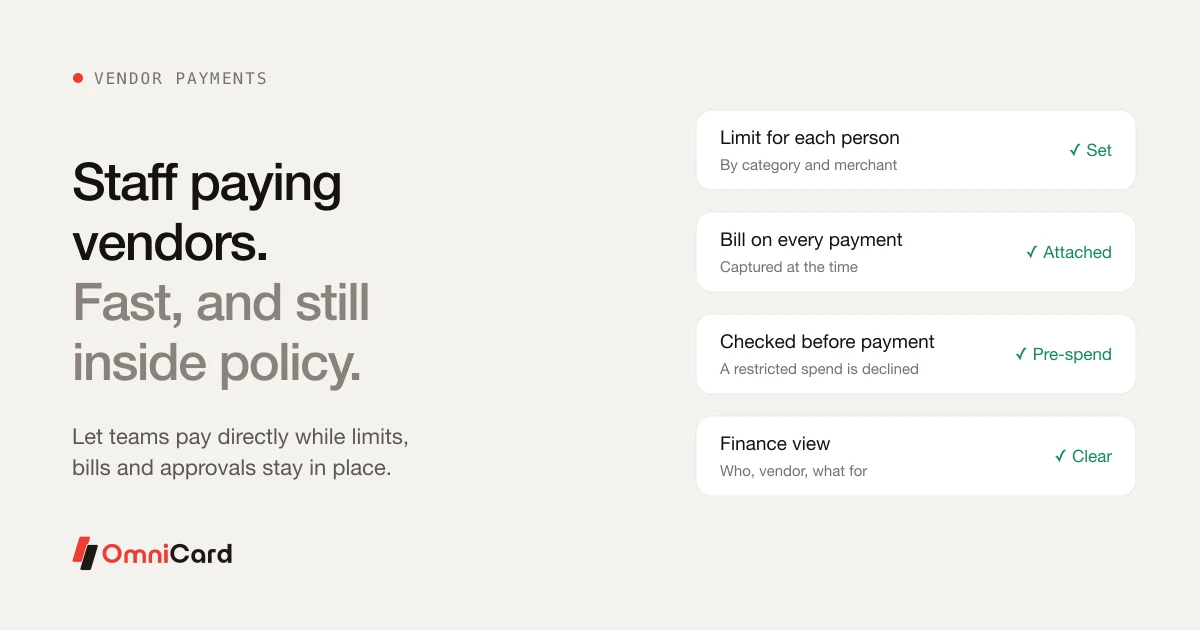
In many businesses every vendor payment, however small, goes through finance. That is safe but slow: a branch waits for a plumber to be paid, and finance handles hundreds of small payments each month.
The trade-off
Letting staff pay vendors directly is faster, but without limits it opens the door to overspend and missing bills. The answer is rules that are applied at the time of payment.
What to set before you let staff pay
- A limit for each person and category
- Approved vendor types or merchants
- A rule that every payment carries a bill
- Who is told when a limit is reached
What finance should see afterwards
For each payment: who paid, which vendor, what for, the bill, and which policy it was checked against.
How OmniCard fits
With OmniCard, staff pay vendors from the OmniCard employee app, within the same policy limits as the rest of their spend. Limits can be set by employee, department, cost centre, category (MCC), merchant, location and time, and are checked before the payment goes through. OmniCard is run by Eroute Technologies Pvt. Ltd., an RBI-authorised Prepaid Payment Instrument (PPI) issuer and a direct NPCI issuer for RuPay cards, UPI (the @omni handle) and FASTag, with no sponsor bank in between.
Related: Employee expense policy template
Keep reading
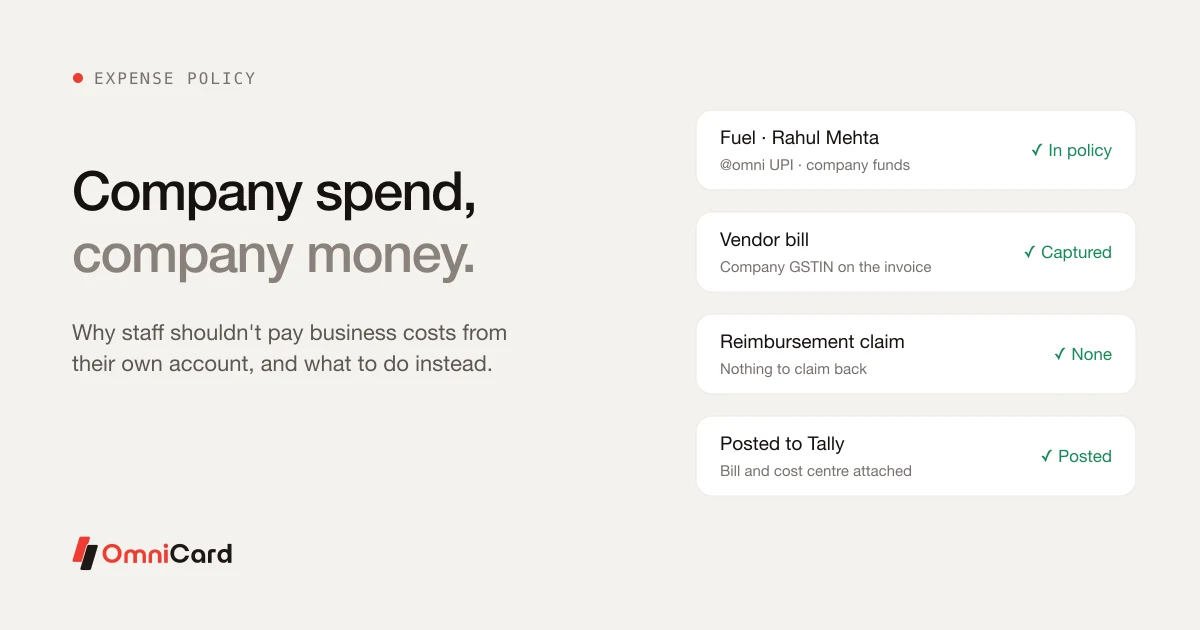
Why Employees Shouldn't Pay Company Expenses From Their Own Account
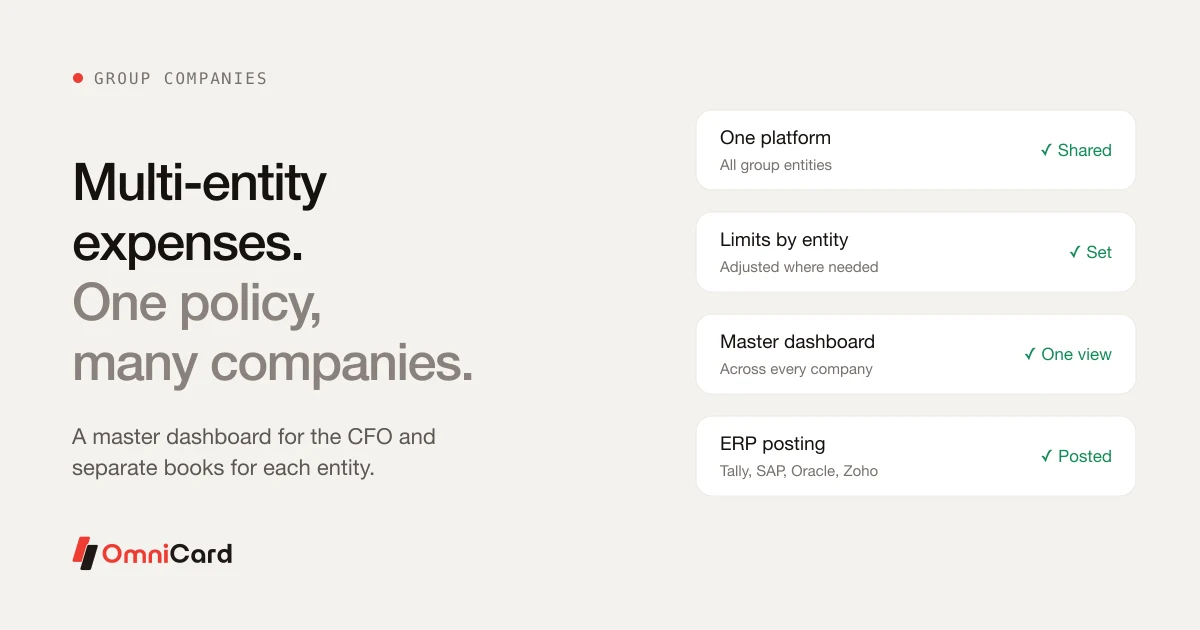
Multi-Entity Expense Management: One Policy Across Group Companies
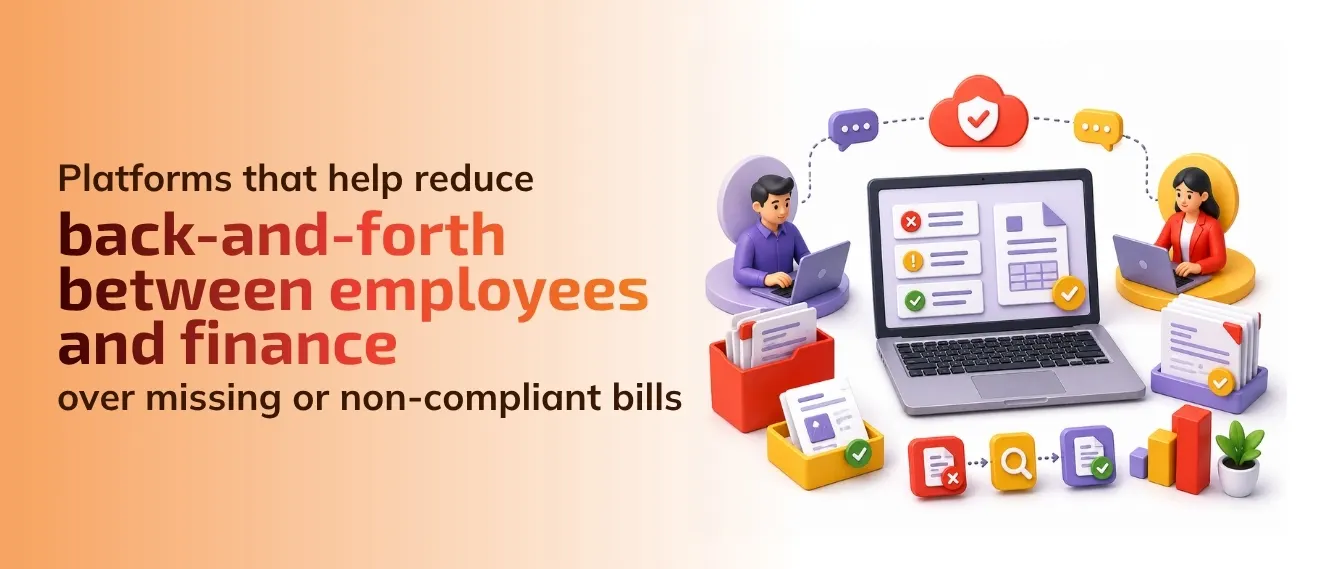
Which platforms in India help reduce back-and-forth between employees and finance over missing or non-compliant bills
We want to automate per diem allowances for employees who travel frequently. Which tools support this well in India

Travel Reimbursement: Reimbursement Process, Travel Expenses & Expense Reimbursement Policy