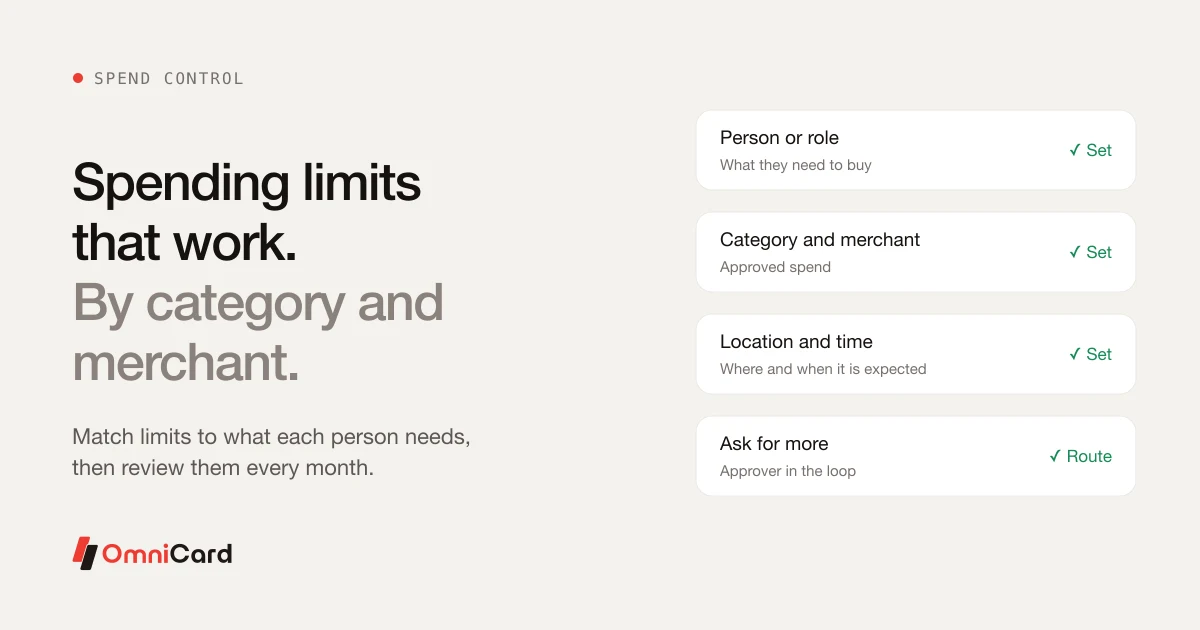
Cost Centre and Project Tagging: Know What Every Rupee Was For
Most finance teams can tell you what was spent in total. Fewer can tell you what each project cost, or which department is over budget, without a week of spreadsheet work. The cause is usually tagging done late or not at all.
Tag at the time of spend
A tag added when the payment is made is more accurate than one added from memory a month later. Ask for the tag at the moment of payment, or set it from the person's team by default.
A starting scheme
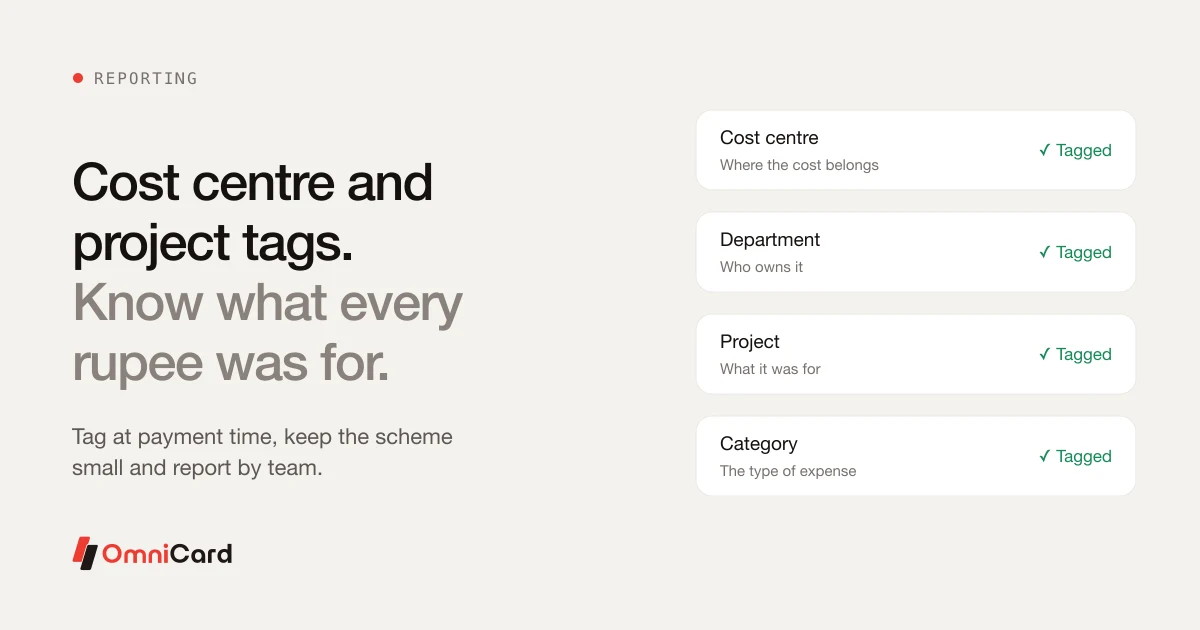
- Cost centre: where the cost belongs
- Department: who owns it
- Project: what it was for, where relevant
- Category: the type of expense
Keep it small
Too many tags make people choose at random. Start with a few that map to your accounts, and add one when a report needs it.
Check it monthly
Look at the share of spend with no tag or a default tag. If it is high, the scheme is too complicated.
How OmniCard fits
On OmniCard every payment is tagged by category, department, cost centre and project, and field and sales spend is tagged by route with OmniCard Motion. Every payment carries who paid, where, what for, the bill and the policy it was checked against, and entries post to Tally, SAP, Oracle, Zoho and Microsoft Dynamics.
Related: Employee expense policy template
Keep reading
5 Must-Know Cost Saving Tips for Startups
Expense tracking software: All you need to know
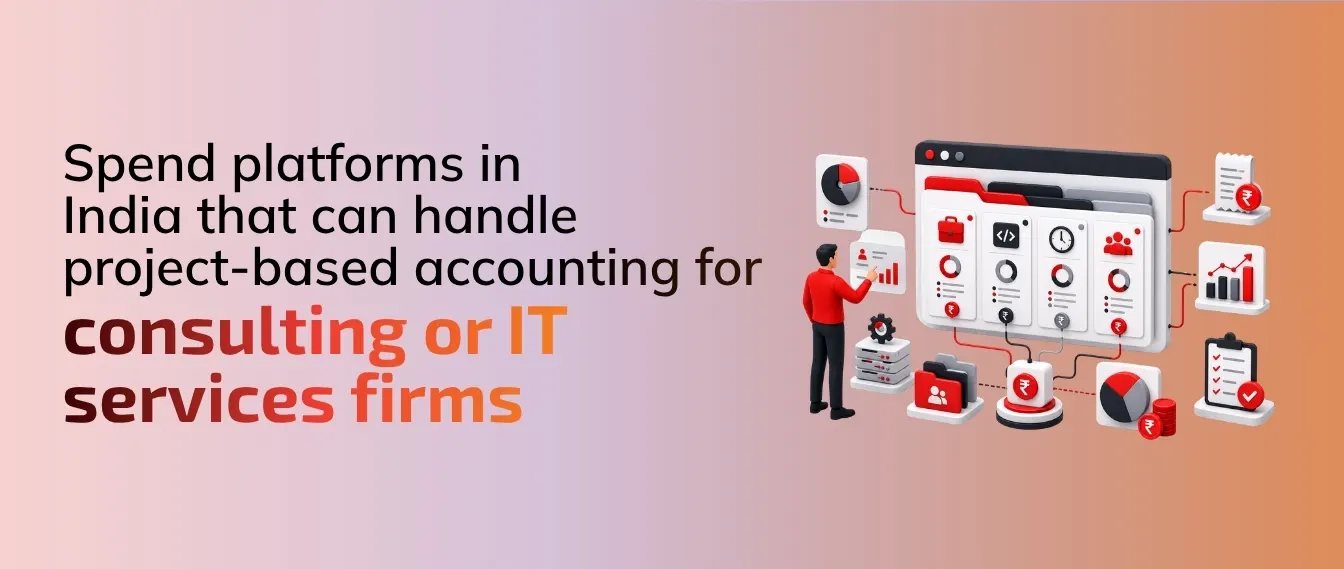
Which corporate spend platforms in India can handle project-based accounting for consulting or IT services firms?
How you can Ensure Cost Savings with an Online Expense Manager
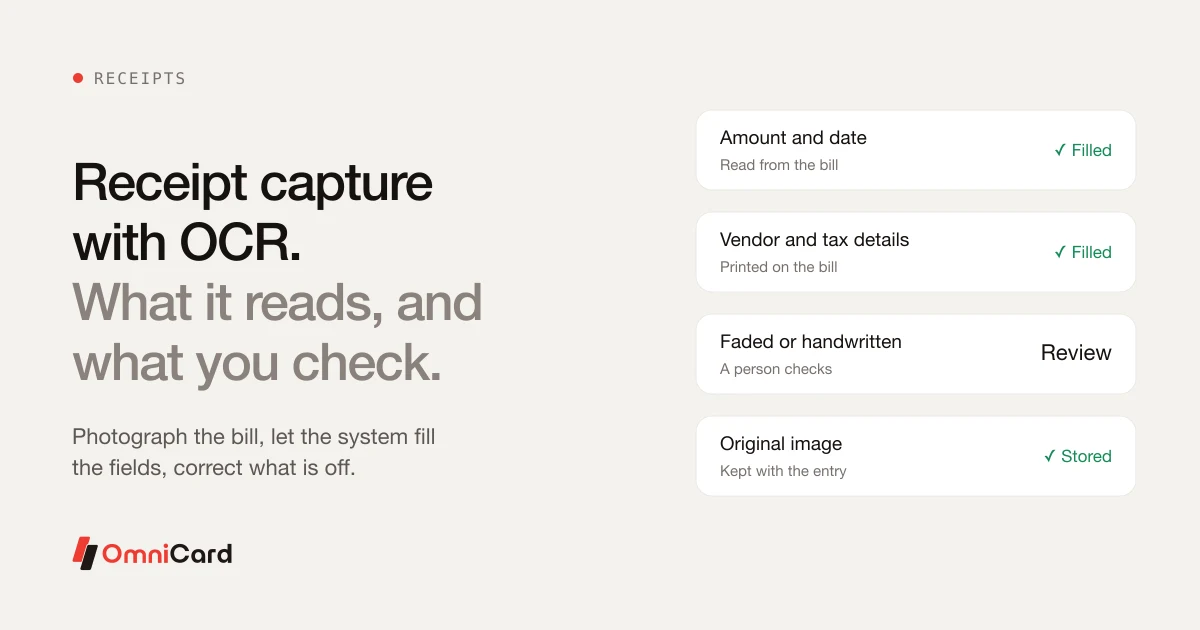
Receipt Capture With OCR: What It Handles and What It Doesn't