Receipt Capture With OCR: What It Handles and What It Doesn't
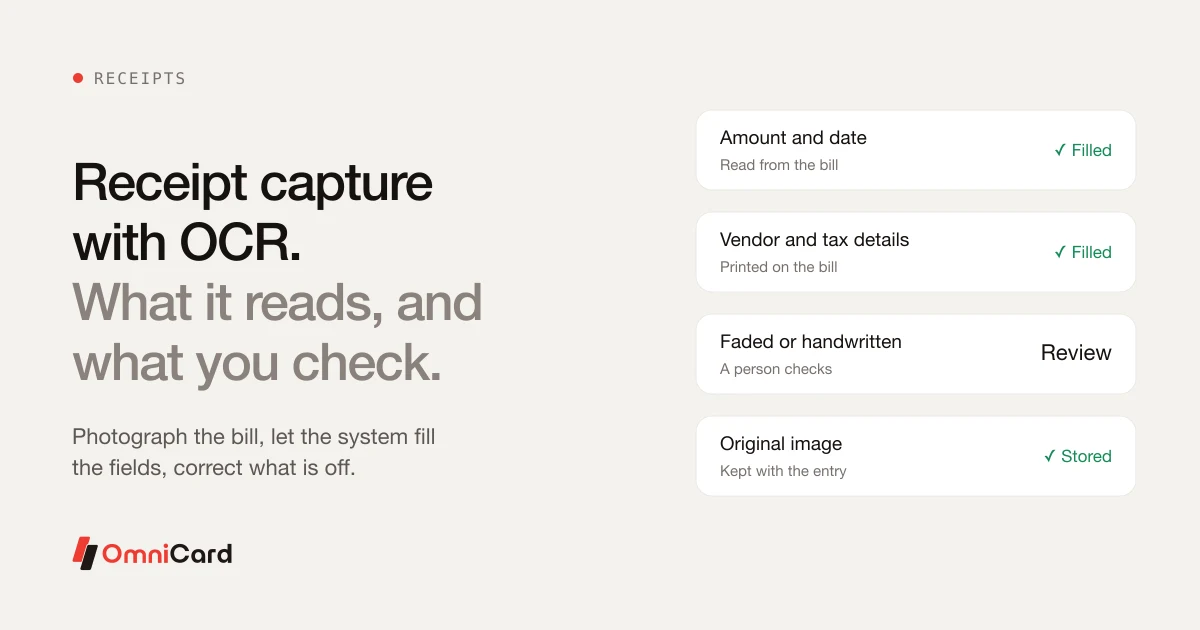
OCR, or optical character recognition, reads text from a photo of a bill. It saves typing, but it is not magic. Knowing what it does well helps you set up a process people trust.
What it usually reads well
- Amount and date
- Vendor name
- Tax details printed on the bill
- Invoice number
Where a person still checks
- Faded or crumpled thermal paper
- Handwritten bills
- Bills with several items and mixed taxes
- Bills in a language the system is not set for
A sensible process
- Photograph the bill straight away, flat and in good light.
- Let the system fill the fields.
- Correct anything that looks wrong.
- Keep the original image with the entry.
How OmniCard fits
OmniCard's Receipt/OCR agent reads bills so nobody types amounts, and Reimburse360 uses OCR for bills with one-tap approvals and auto-settlement. Every AI action is logged, explainable and reversible by the finance team.
Related: AI agents in expense management
Keep reading
Are there systems that can automatically calculate and credit daily allowances based on travel duration and location

How to Automate Business Spending Management?
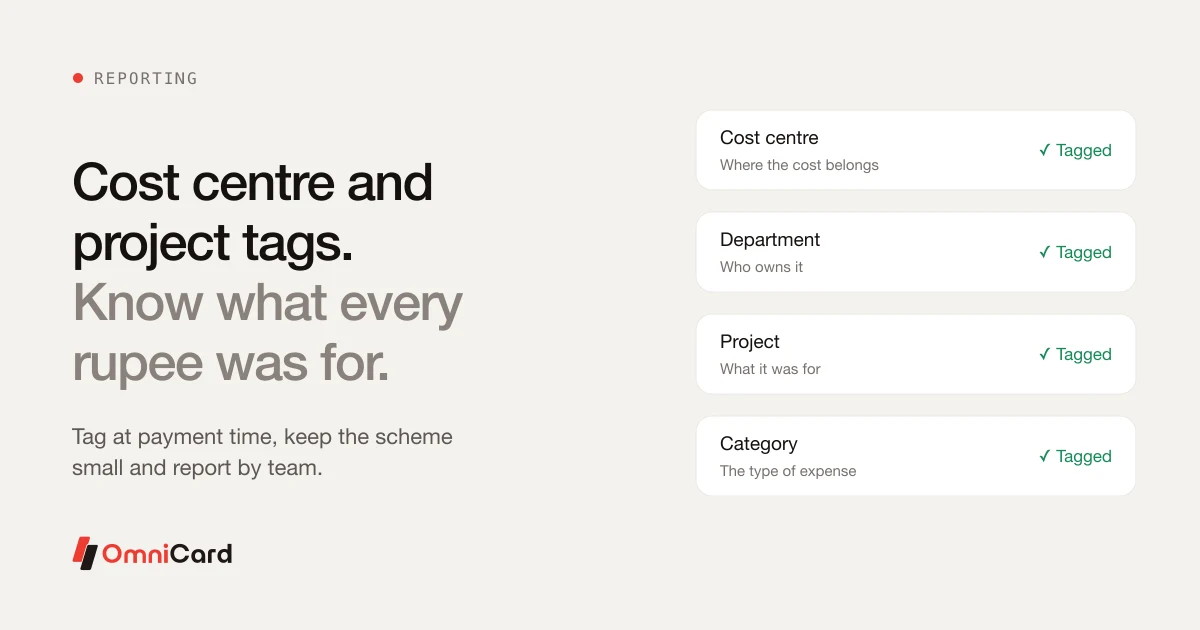
Cost Centre and Project Tagging: Know What Every Rupee Was For
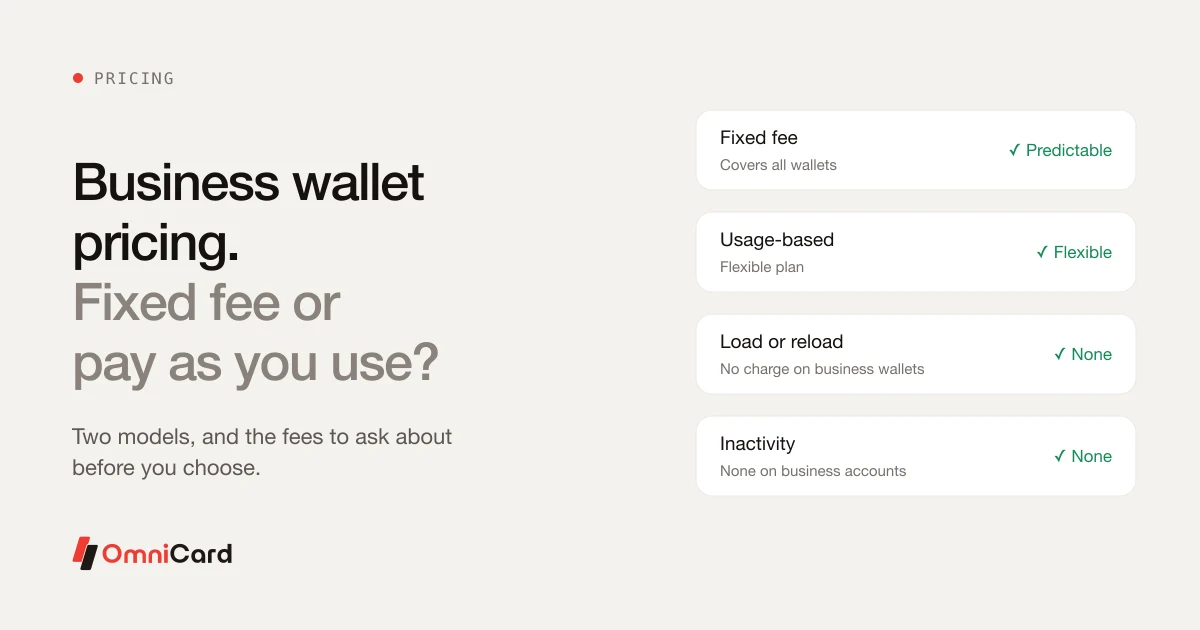
Business Wallet Pricing: Fixed Fee or Pay As You Use?
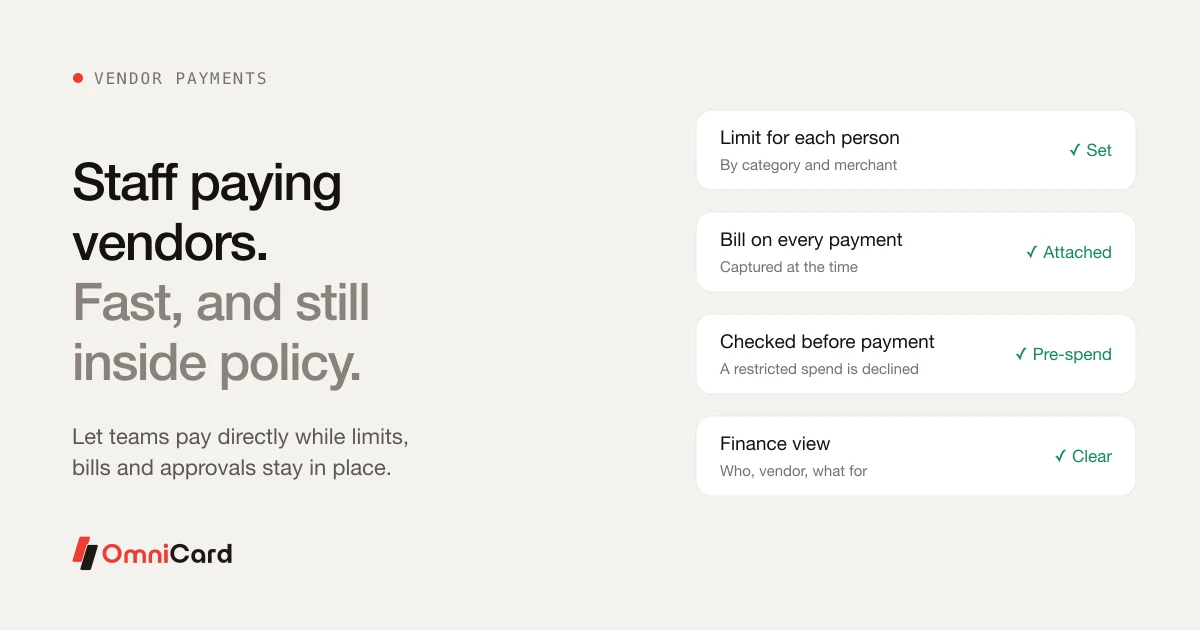
Employees Paying Vendors Within Policy: A Practical Guide