Spending Limits by Category and Merchant: How to Set Them
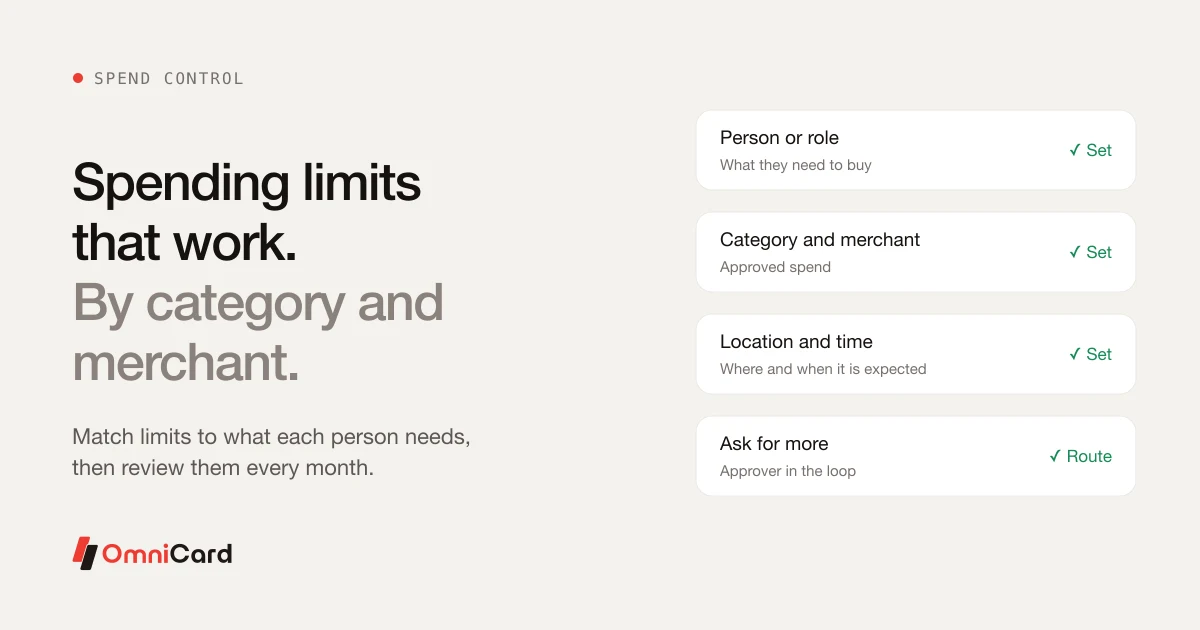
A single limit for everyone is either too tight for some people or too loose for others. Limits work well when they match what a person actually needs to buy, and where and when.
The five levers
- Person or role: what this person needs
- Category: fuel, travel, supplies, meals
- Merchant: approved vendors or types of shop
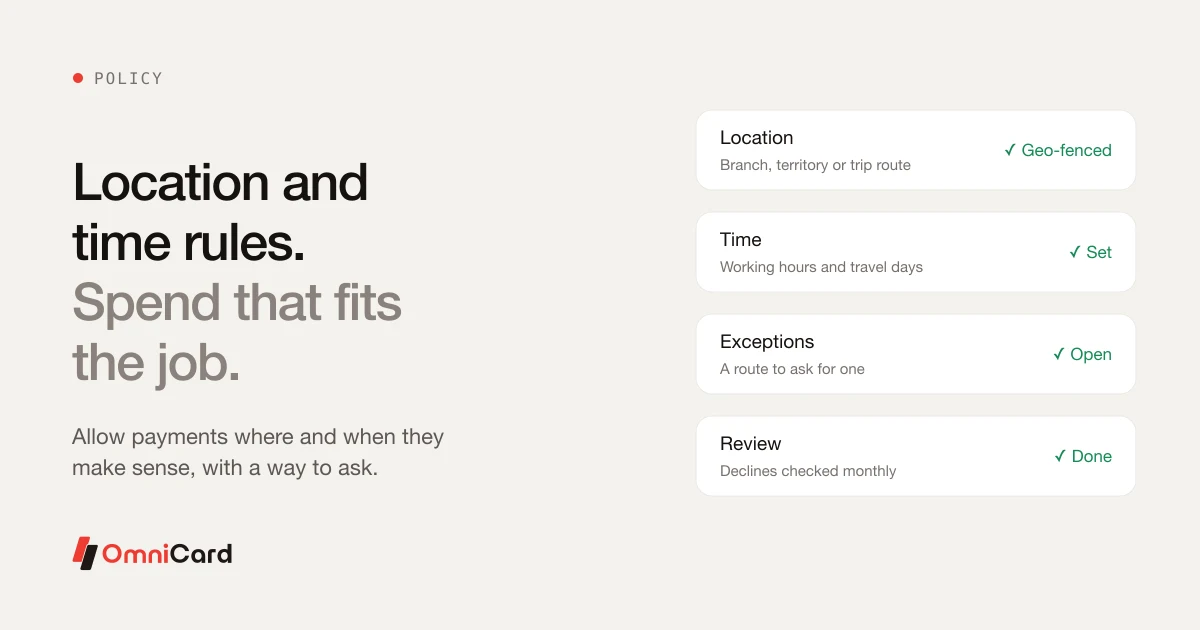
- Location: the branch or city where spend is expected
- Time: working hours or travel days
How to choose starting limits
- Look at three months of real spend by role.
- Set each limit just above normal use.
- Add a route to ask for more, with an approver.
- Review after a month and adjust.
What to avoid
Do not set limits so low that people work around them, and do not leave a category open that nobody reviews.
How OmniCard fits
OmniCard lets you set limits by employee, department, cost centre, category (MCC), merchant, location (geo-fencing) and time. Because OmniCard is the issuer, policy is checked at authorisation: a restricted payment is declined before the money moves, not found at month-end. OmniCard is run by Eroute Technologies Pvt. Ltd., an RBI-authorised Prepaid Payment Instrument (PPI) issuer and a direct NPCI issuer for RuPay cards, UPI (the @omni handle) and FASTag, with no sponsor bank in between.
Related: Employee expense policy template
Keep reading

How to Automate Business Spending Management?
Geo-Fencing and Time Limits for Business Spend

Which corporate spend platforms in India support multi-level approval workflows that can be configured by amount, department, and category
Duplicate Payments: How to Detect and Prevent Them

Manage Company Spending with OmniCard