
Rolling Out Expense Cards in One Day: A Preparation Checklist
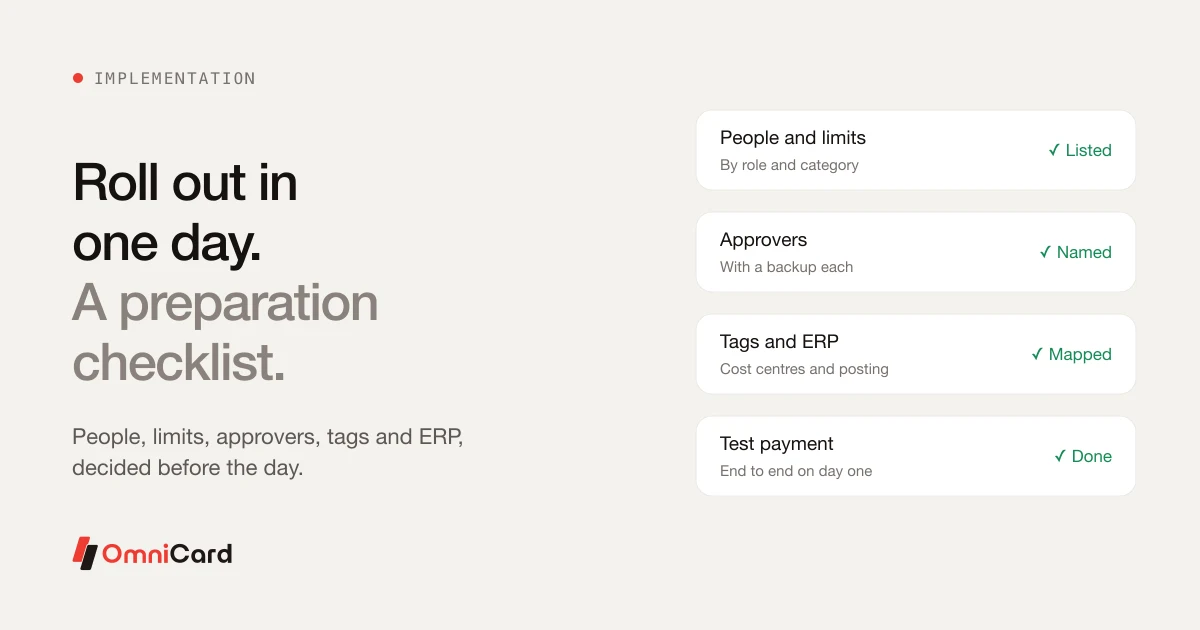
A fast rollout is possible when the decisions are made before the day. Most delays come from questions that nobody had answered, not from the technology.
Before the day
- List the people who will spend, with their team and manager.
- Decide limits by role and category.
- Name approvers, with a backup for each.
- List cost centres and projects for tagging.
- Choose the ERP and agree how entries will post.
On the day
- Create users and limits
- Issue cards or UPI IDs
- Send staff a short note on what to do and who to ask
- Test one payment end to end
After week one
Review declined payments, adjust limits that are too tight, and check that the opening entries have reached the ERP correctly.
How OmniCard fits
Businesses can go live on OmniCard the same day. Employees pay by an @omni UPI ID or a RuPay card, physical or virtual, from company funds, and entries post to Tally, SAP, Oracle, Zoho, Microsoft Dynamics or custom systems through APIs. OmniCard is run by Eroute Technologies Pvt. Ltd., an RBI-authorised Prepaid Payment Instrument (PPI) issuer and a direct NPCI issuer for RuPay cards, UPI (the @omni handle) and FASTag, with no sponsor bank in between.
Related: Expense management
Keep reading
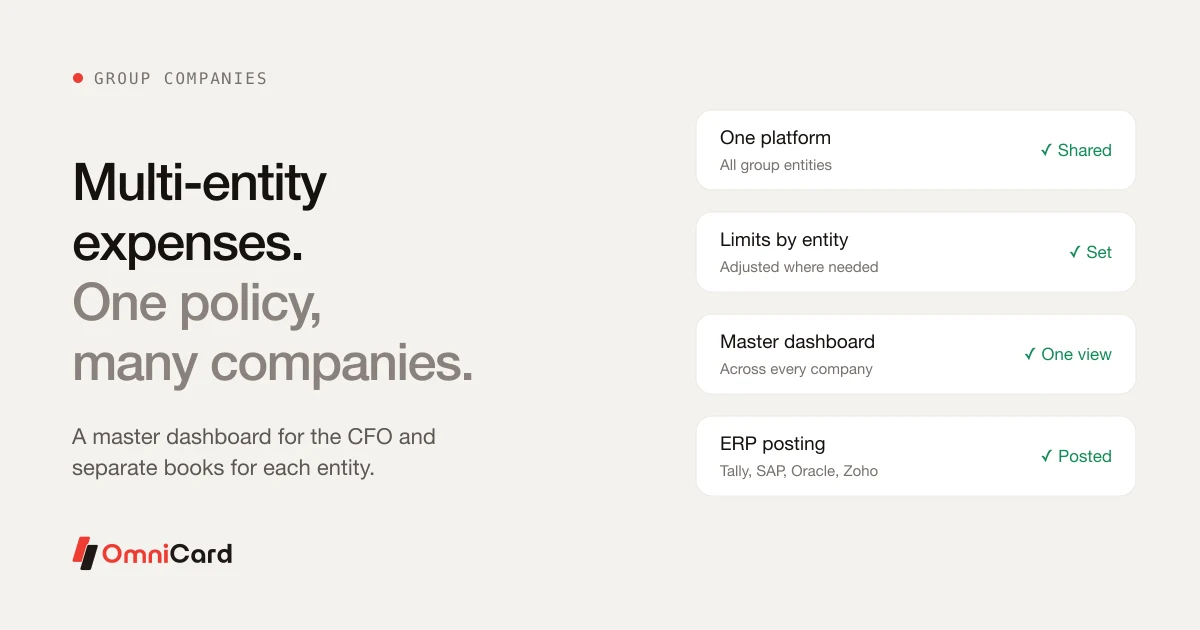
Multi-Entity Expense Management: One Policy Across Group Companies
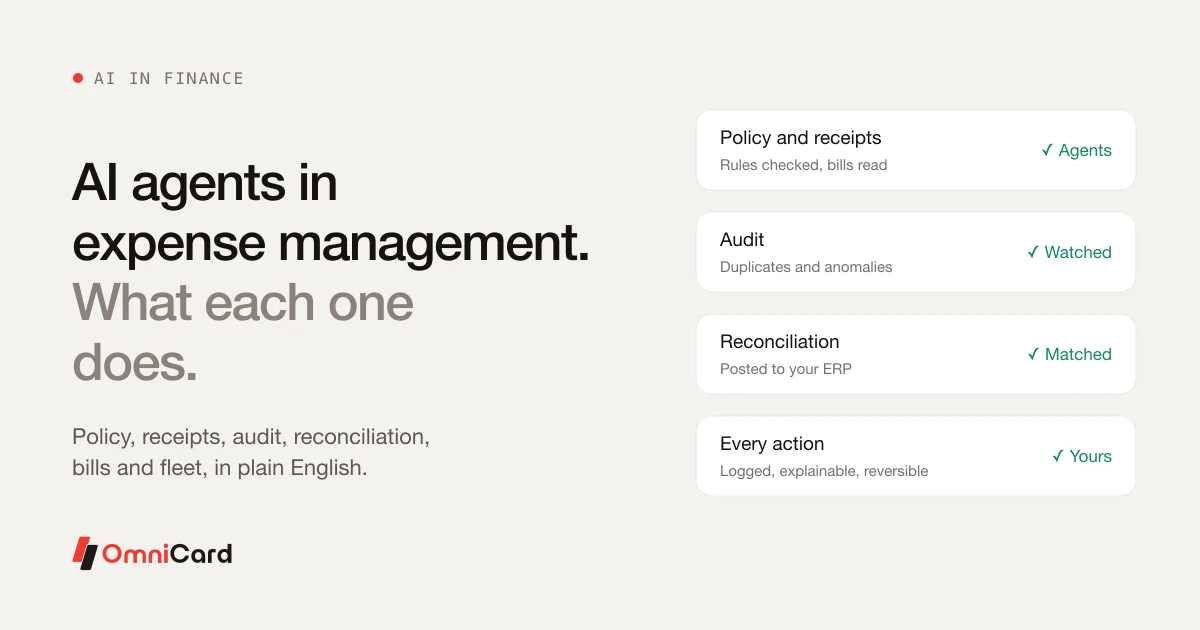
AI Agents in Expense Management: What Each One Actually Does
Using Corporate Cards to Simplify Travel and Expense Management
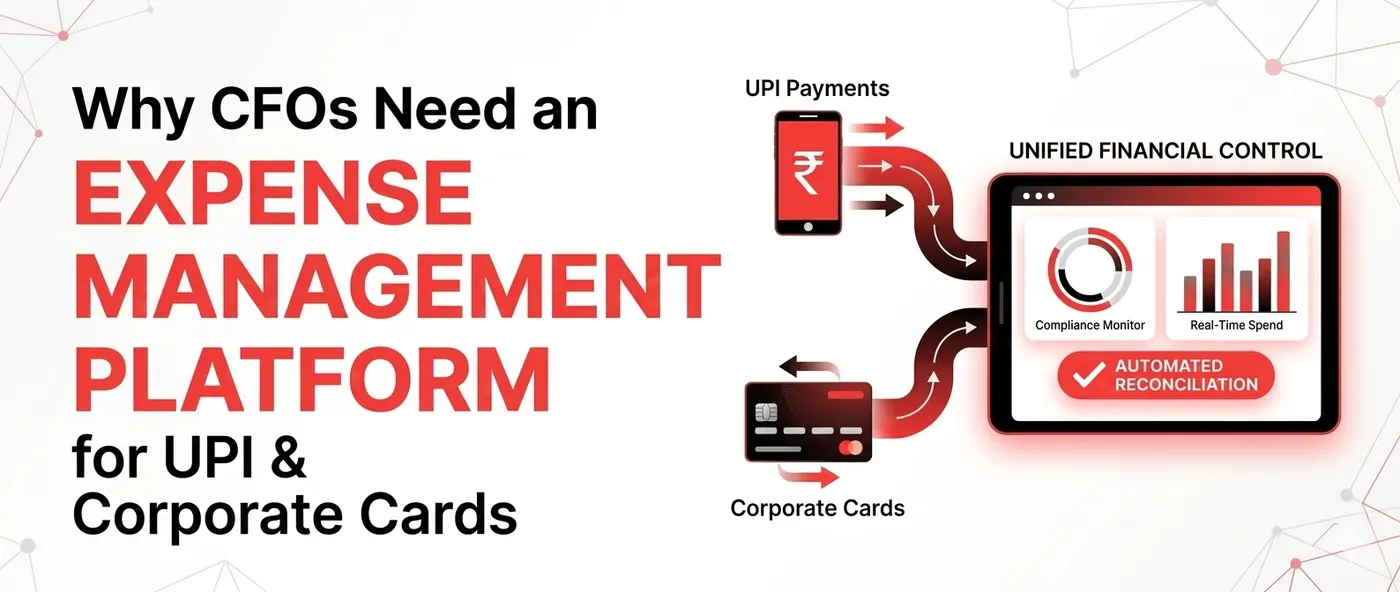
Why CFOs Need an Expense Management Platform for UPI & Corporate Cards
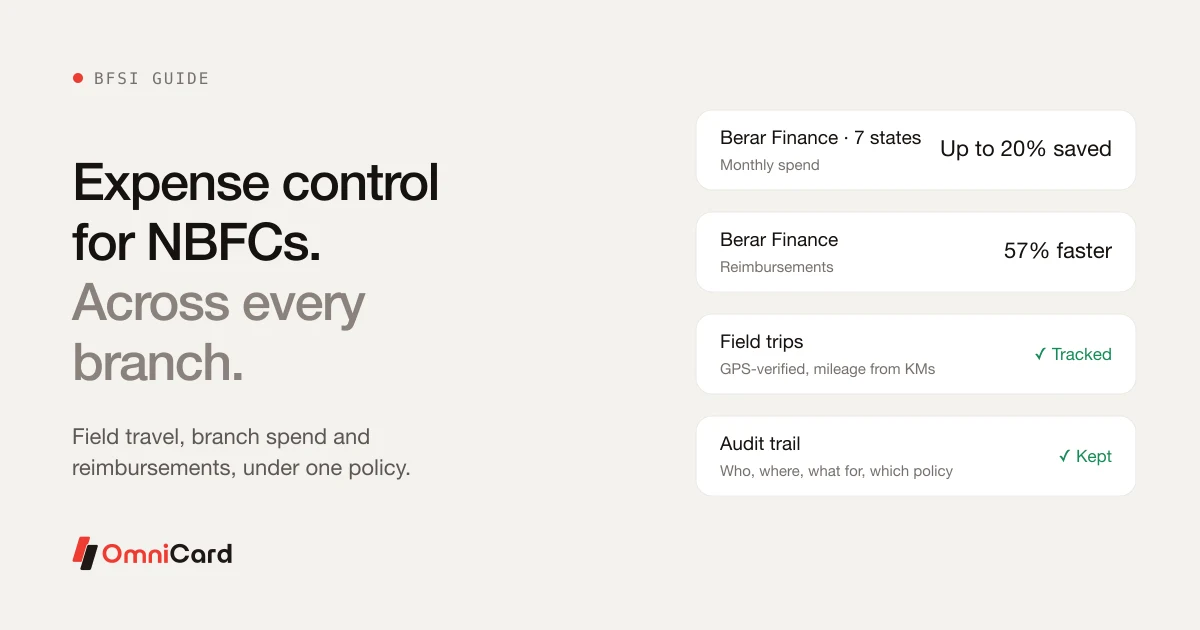
Expense Management for NBFCs With Large Branch Networks