Month-End Close and Audit-Ready Expenses: A Finance Guide
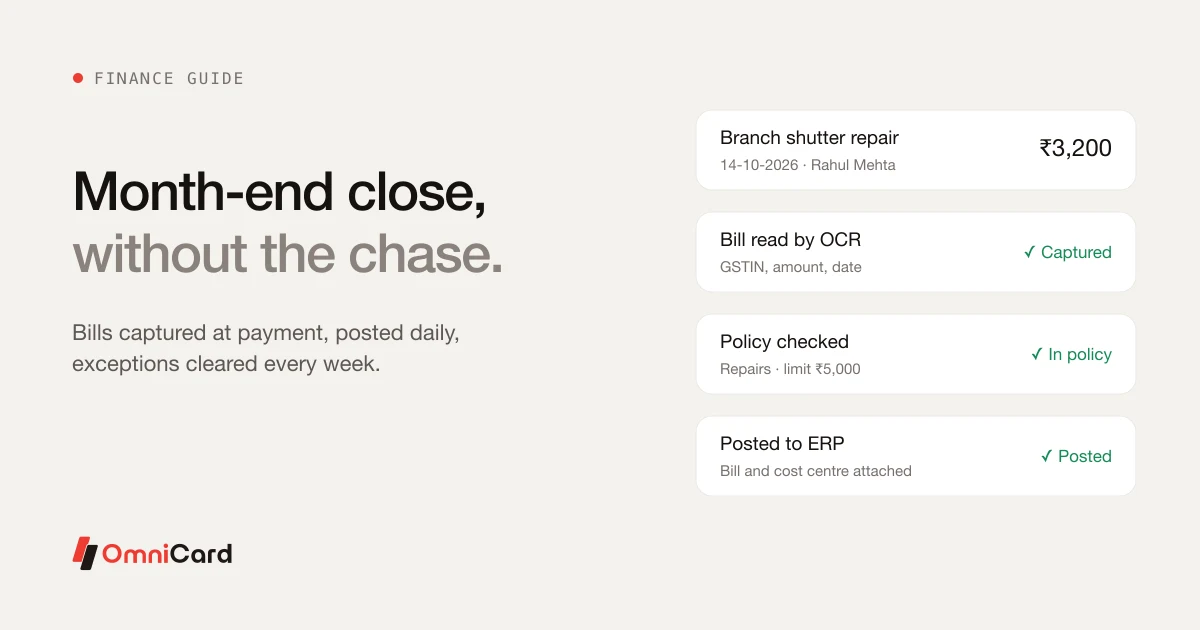
For many finance teams the first week of the month goes on chasing: receipts that weren't submitted, claims that weren't coded, payments nobody can explain. Audit season brings the same scramble on a bigger scale. Both have the same cause: the evidence for each payment wasn't captured when the money was spent.
This guide covers how to fix that, step by step:
- Why the close drags, and a steadier routine
- Receipt capture with OCR: what it reads and where people still check
- What auditors ask for, and how to keep it as you go
- Why reimbursements are delayed, and how to shorten them
- Spotting budget overruns before month-end
Why the month-end close drags
- Receipts arrive late or never. A bill that wasn't photographed on the day is often lost.
- Entries are typed in from claims. Each one is a chance for a wrong amount, ledger or cost centre.
- Questions go back to staff who have forgotten. "What was this ₹3,200 at a hardware store for?" is hard to answer a month later.
- Reconciliation starts only when the month ends, so everything piles up in the same week.
A steadier routine
| When | What to do |
|---|---|
| At each payment | Capture the bill, tag the purpose and cost centre, check against policy |
| Every day | Post entries to the ERP continuously, not in one batch |
| Every week | Clear exceptions: missing bills, untagged payments, out-of-pattern spend |
| At month-end | Review what is left, not everything; run accruals and close |
The month-end then becomes a review of exceptions rather than a reconstruction of the month.
What to measure
Track three numbers each month: days to close, payments without a bill, and exceptions open at month-end. All three should fall once bills are captured at payment and entries post continuously.
Receipt capture with OCR: what to expect
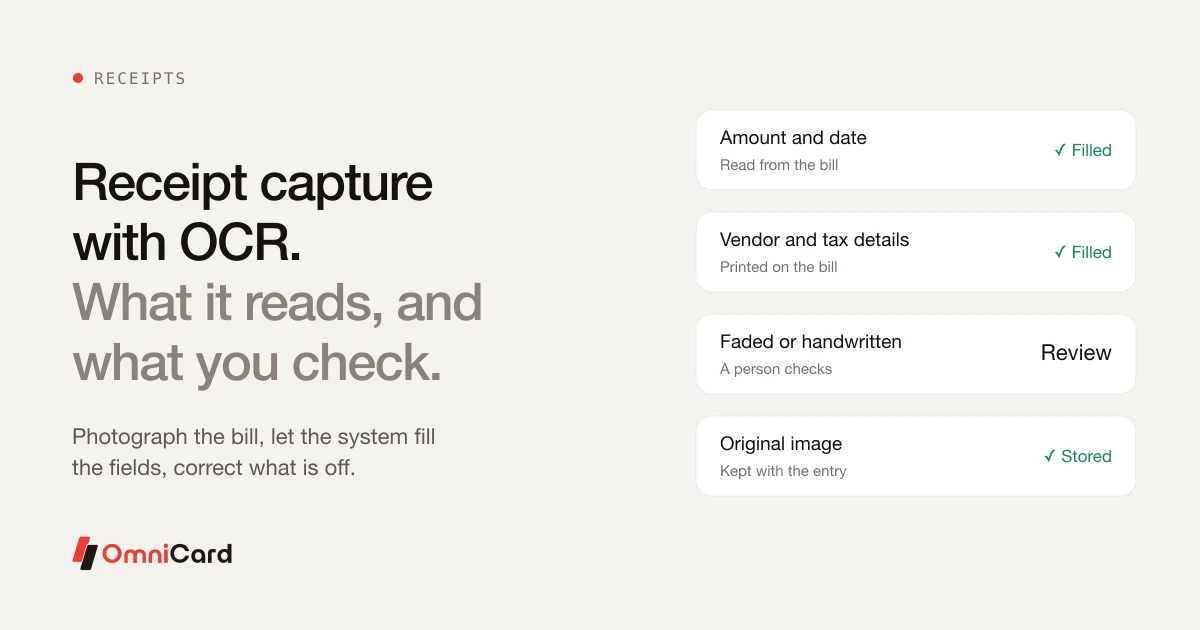
OCR (optical character recognition) reads text from a photo of a bill. It saves typing, but it isn't magic. Knowing what it does well helps you set up a process people trust.
| Usually read well | Where a person still checks |
|---|---|
| Amount and date | Faded or crumpled thermal paper |
| Vendor name | Handwritten bills |
| GST and other tax details printed on the bill | Bills with many items and mixed tax rates |
| Invoice number | Bills in a language the system isn't set up for |
A sensible capture process
- Photograph the bill straight away, flat and in good light, at the time of payment.
- Let the system fill the fields: amount, date, vendor, tax.
- Correct anything that looks wrong before submitting.
- Keep the original image with the entry, so the ERP record and the evidence stay together.
Capturing GST details from the bill at payment time also protects input tax credit, which is often lost when paper bills go missing.
Audit-ready expense records
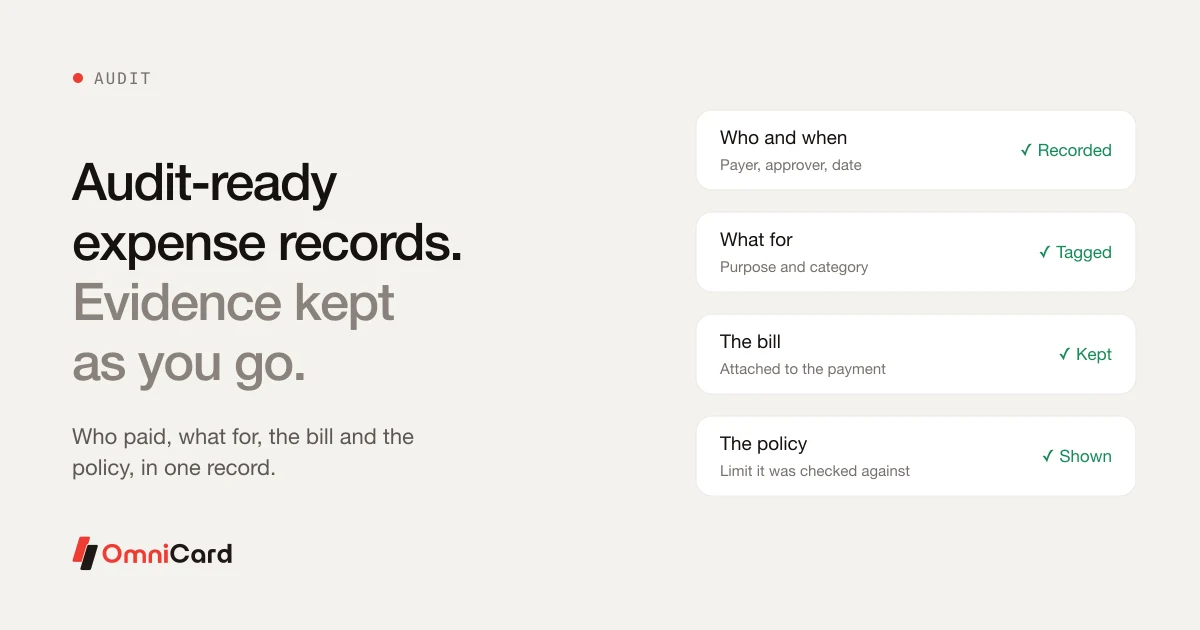
Audit preparation is usually a hunt for bills, approvals and explanations for payments made months ago. The hunt goes away if each payment's evidence is kept at the time.
What auditors usually ask for, for each payment
| Item | Example |
|---|---|
| Who paid, and who approved | Rahul Mehta; approved by the regional manager |
| Date and amount | 14 Oct 2026, ₹3,200 |
| What it was for | Repair of a branch shutter |
| The bill or invoice | Vendor invoice with GSTIN |
| The policy or limit it was checked against | Repairs, branch manager limit ₹5,000 |
A payment that carries all five is audit-ready on the day it is made.
Check it yourself
Once a quarter, pick 25 payments at random and try to answer all five questions from the record alone, without asking anyone. Every payment where you can't is a gap in the process, not just in the file.
Why reimbursements are delayed, and how to fix it
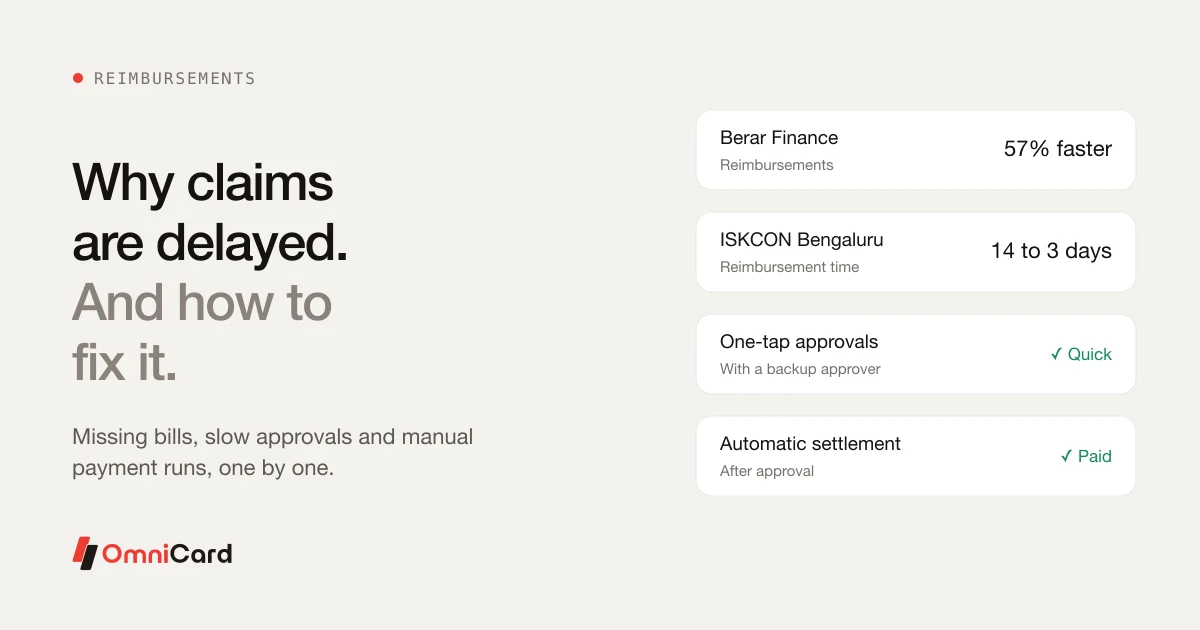
Staff who wait weeks to be repaid lose trust in the process, and finance spends time answering "where is my money?". The delay usually has a few predictable causes:
| Cause | Fix |
|---|---|
| Missing or unreadable bills | Photograph the bill at payment, read it with OCR |
| Claims that break policy and bounce back | Show limits before the claim is filed |
| Approvers travelling or not seeing the request | One-tap mobile approval, with a named backup approver |
| A manual payment run once a month | Pay automatically after approval |
The bigger fix is to remove the claim altogether. When staff pay from company funds at the point of purchase, by company UPI or a prepaid card, there is nothing to claim back and nothing to wait for. Reimbursement is then left for the few cases where company payment isn't possible.
Our guide on employees paying company expenses from their own account explains the tax and reporting reasons to move away from claims.
Spotting budget overruns before month-end
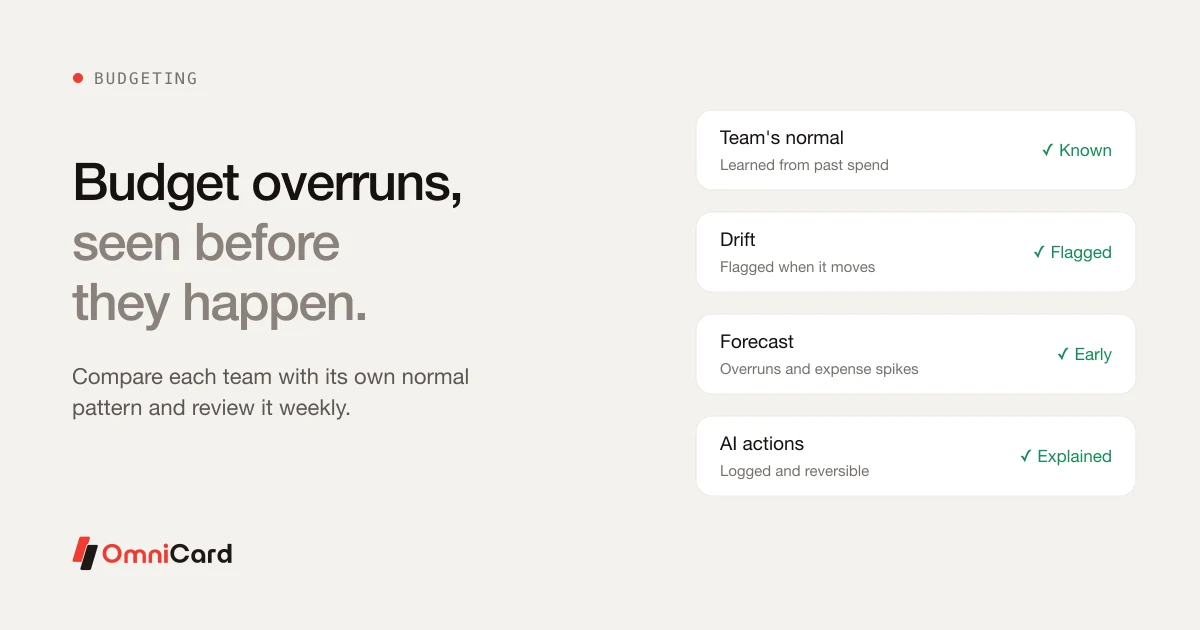
Most overruns are visible long before month-end if you know what normal looks like for each team. The trouble is that normal is rarely written down, and the numbers arrive after the money has gone.
Know each team's normal
Look at the last three to six months of spend by team and branch. A team's normal range is usually steady, so a change in it is the signal worth a conversation.
What to review each week
- Spend so far against the budget for the period
- Categories moving faster than usual
- Branches or teams outside their usual range
- Large one-off payments
Example: a branch usually spends about ₹40,000 a month on repairs. By the 10th it has spent ₹30,000. A five-minute call with the branch manager that week, about a generator that keeps failing, is far easier than explaining a ₹90,000 overrun at quarter-end.
Month-end checklist
- Every payment this month has a bill attached
- Every payment is tagged with a cost centre and category
- Entries have posted to the ERP and match bank and card statements
- Open exceptions reviewed and cleared or explained
- Pending reimbursement claims approved or rejected
- Teams over their normal range flagged to budget owners
- A random sample checked for audit readiness (once a quarter)
How OmniCard fits
OmniCard captures every payment the moment it is paid: who, where, what for and against which policy, with the bill attached and read by OCR. Entries post to Tally, SAP, Oracle (NetSuite, Fusion), Zoho, Microsoft Dynamics or custom systems through APIs. Its AI agents include Receipt/OCR (reads bills), Audit (flags duplicates and anomalies) and Reconciliation (posts to the ERP). OmniCard AI learns each team's and branch's normal spending pattern, flags drift and forecasts budget overruns, and every AI action is logged, explainable and reversible by the finance team.
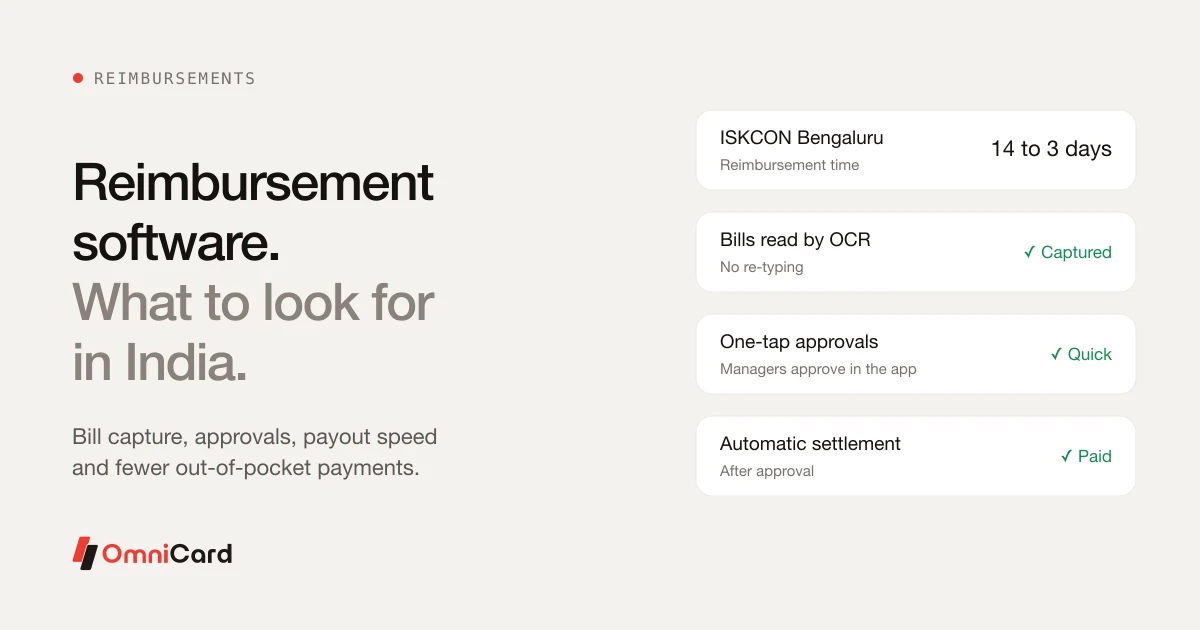
Reimburse360 handles the claims that remain, with OCR bills, one-tap approvals and auto-settlement. OmniCard holds ISO/IEC 27001, PCI DSS and SOC 2 Type II certifications, and payment data is stored in India.
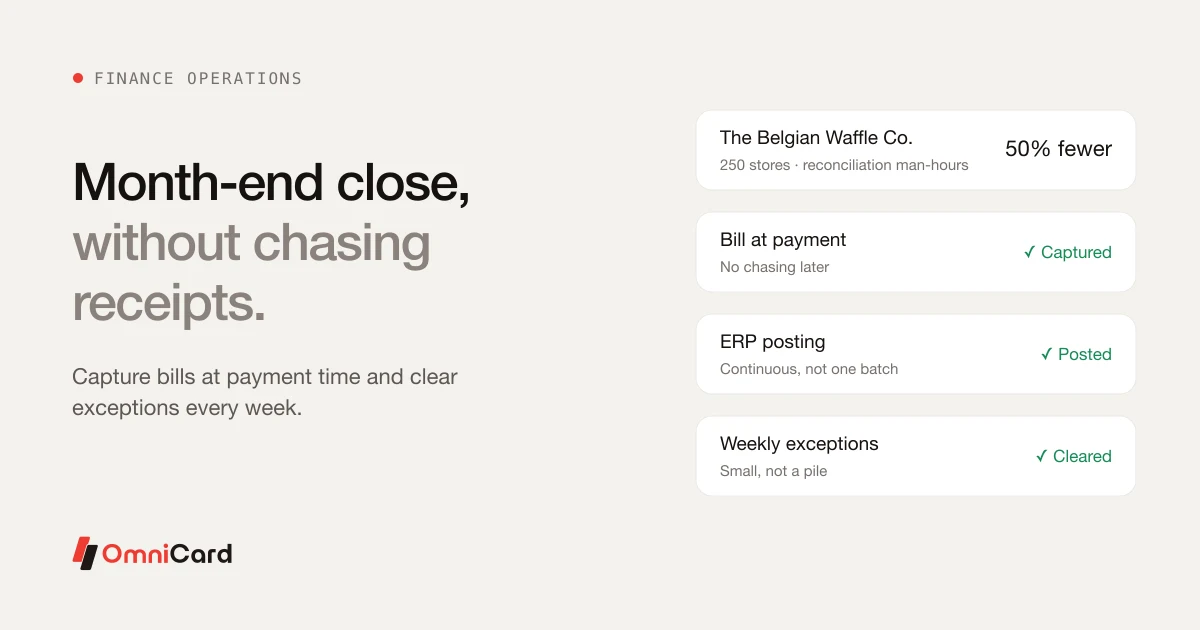
Customer results: The Belgian Waffle Co., with 250 stores, reports 50% fewer man-hours on reconciliation. Berar Finance reports reimbursements 57% faster, and ISKCON Bengaluru cut reimbursements from 14 days to 3.
OmniCard is run by Eroute Technologies Pvt. Ltd., an RBI-authorised Prepaid Payment Instrument (PPI) issuer and a direct NPCI issuer for RuPay cards, UPI (the @omni handle) and FASTag, with no sponsor bank in between.
Frequently asked questions
How can finance teams close the month faster?
Capture each bill at the time of payment, post entries to the ERP continuously rather than in one batch, and clear exceptions every week. Month-end then becomes a review of what is left, not a reconstruction of the whole month.
How accurate is OCR on receipts?
OCR usually reads the amount, date, vendor, invoice number and printed tax details well. A person should still check faded thermal paper, handwritten bills, bills with many items and mixed tax rates, and bills in an unsupported language.
What do auditors need to see for each expense?
Who paid and who approved, the date and amount, what it was for, the bill or invoice, and the policy or limit it was checked against.
Why do employee reimbursements take so long?
Usually because of missing bills, claims that break policy and bounce back, approvers who don't see the request, and monthly manual payment runs. Capturing bills at payment, one-tap approvals with backups and automatic payment fix most of it; paying from company funds at the point of purchase removes the claim entirely.
How do you spot a budget overrun early?
Know each team's normal monthly spend, and review spend against budget every week: categories moving faster than usual, teams outside their normal range and large one-off payments.
Keep reading
The End of Excel Sheets: Smart Finance Tools
Reimbursement Software in India: What to Look For
Duplicate Payments: How to Detect and Prevent Them

How can the Finance Team Manage Expenses Better?
Which platforms in India help reduce back-and-forth between employees and finance over missing or non-compliant bills