Designing Expense Approval Workflows That Do Not Slow Teams Down
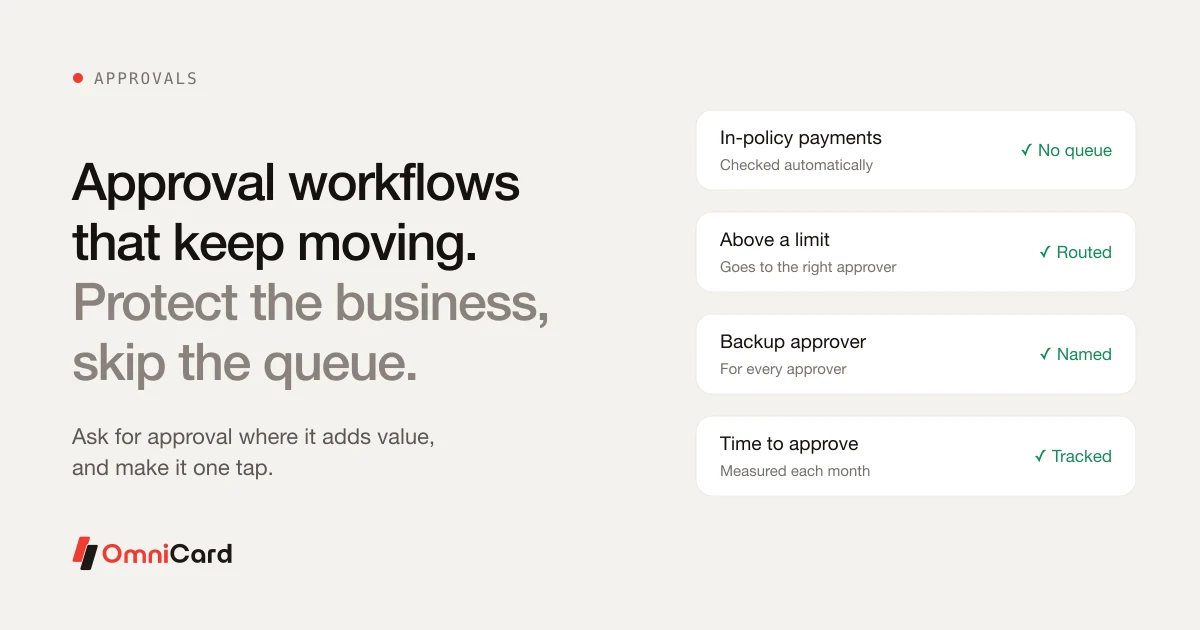
Approvals protect the business, but too many of them become a queue. The aim is to ask for approval where it adds value, and to make it a one-minute task where it is needed.
Decide what needs approval at all
Small, in-policy payments checked automatically against limits usually need no approval. Reserve human approval for payments above a limit or outside a category.
Who approves
- The line manager for team spend
- The budget owner for project spend
- Finance for amounts above a higher limit
- A named backup for every approver
Keep it quick
Send the approver everything needed on one screen: amount, purpose, bill and policy. One tap to approve or reject, with a reason.
Measure it
Track average time to approve. If it creeps up, simplify the rules or add backups.
How OmniCard fits
OmniCard checks policy before the money moves, so in-policy payments need no approval queue, and Reimburse360 gives managers one-tap approvals for the claims that remain. OmniCard is run by Eroute Technologies Pvt. Ltd., an RBI-authorised Prepaid Payment Instrument (PPI) issuer and a direct NPCI issuer for RuPay cards, UPI (the @omni handle) and FASTag, with no sponsor bank in between.
Keep reading

Expense Policy for Field Sales Teams
Which Indian expense platforms can guarantee measurable cost savings, not just easier workflows?

Which corporate spend platforms in India support multi-level approval workflows that can be configured by amount, department, and category
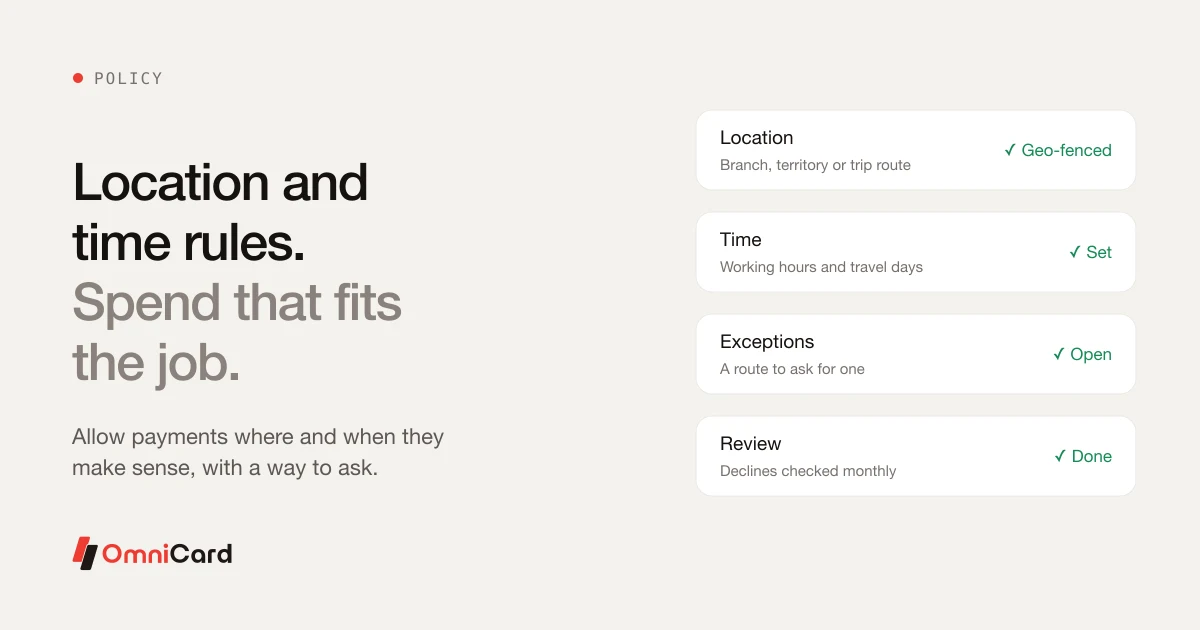
Geo-Fencing and Time Limits for Business Spend

Expense Approval Workflow: Types, Matrix and DOA Limits