Fleet Toll Spend by Vehicle: How to Track and Control It
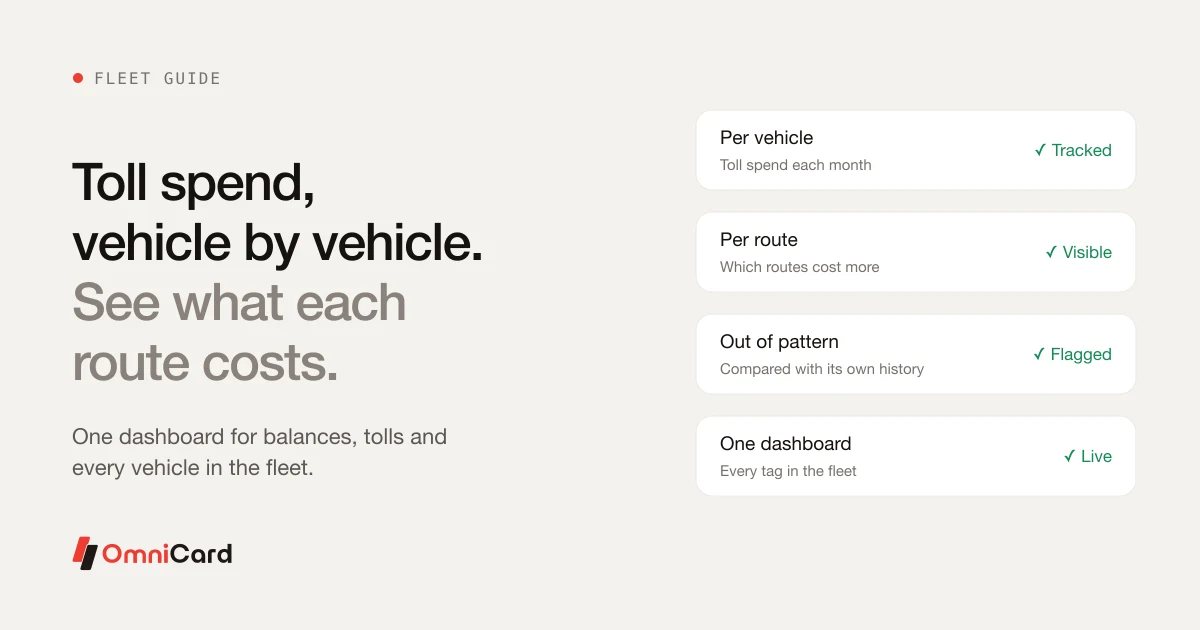
Tolls are a large and steady cost for a fleet, yet many operators see just the total on a statement. Without a per-vehicle figure, it is hard to spot a route that costs more than it should, or a vehicle that is out of pattern.
What to measure
- Toll spend per vehicle, per month
- Toll spend per route
- Number of toll crossings per trip
- Vehicles whose spend moves away from their normal range
Why per-vehicle matters
A fleet-level total hides the details. A per-vehicle view shows which vehicles drive the cost and gives a driver or route manager something concrete to discuss.
A monthly review
- Export or open the per-vehicle toll report.
- Sort by spend.
- Compare each vehicle with its own previous months.
- Follow up on anything out of pattern.
How OmniCard fits
OmniCard FASTag gives one dashboard for every vehicle's balance and tolls, with tags for every vehicle class and UPI AutoPay top-ups. iFleet Pay covers fuel, tolls and driver expenses, and the Fleet agent handles FASTag top-ups and tolls per vehicle. OmniCard is run by Eroute Technologies Pvt. Ltd., an RBI-authorised Prepaid Payment Instrument (PPI) issuer and a direct NPCI issuer for RuPay cards, UPI (the @omni handle) and FASTag, with no sponsor bank in between.
Related: FASTag for fleets · Fleet and fuel cost management
Keep reading
Dealer-Issued FASTag: Getting Tags on New Vehicles From Day One
FASTag Auto Recharge by UPI: How Fleets Stop Running Out of Balance
Spend Calculator Budget calculator & Spend calulator for management of your Expenses
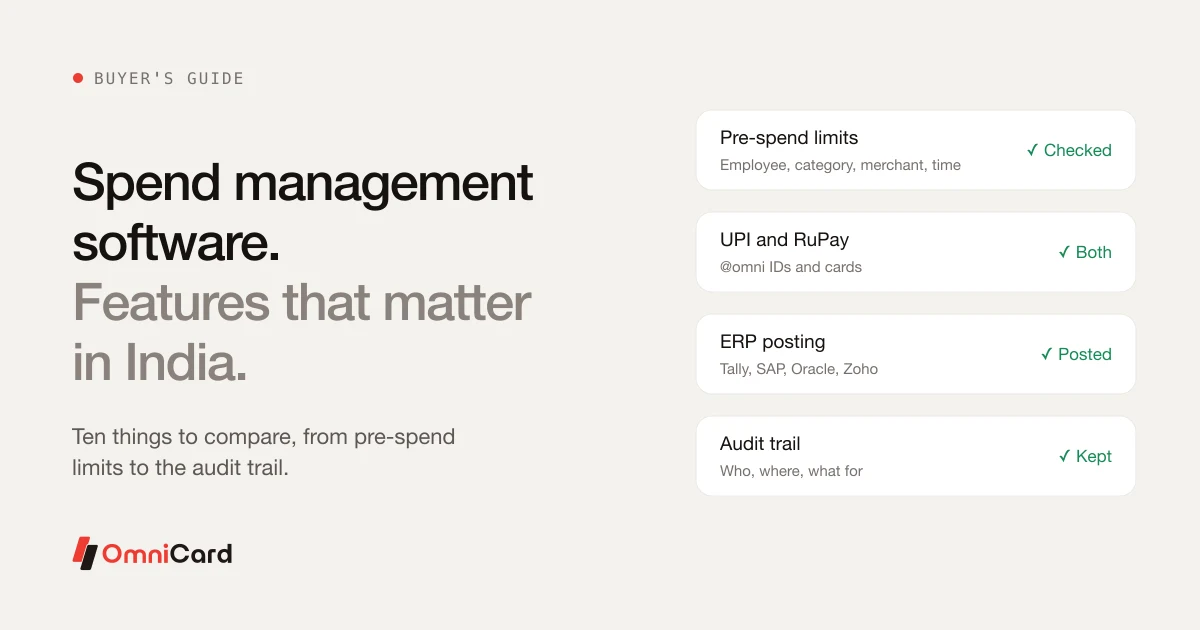
Spend Management Software in India: Features That Matter
SaaS Spend Management: How to optimize your SaaS spend