Cashbook App Alternatives: What to Check Before You Switch
A cashbook app does one job well: it records money coming in and going out. Many small businesses start there. Then the business grows, more people spend on its behalf, and the question changes from "what did we spend?" to "who spent it, was it allowed, and where is the bill?"
If you are looking at alternatives, check these seven things before you pick one.
1. Does it record spend, or control it?
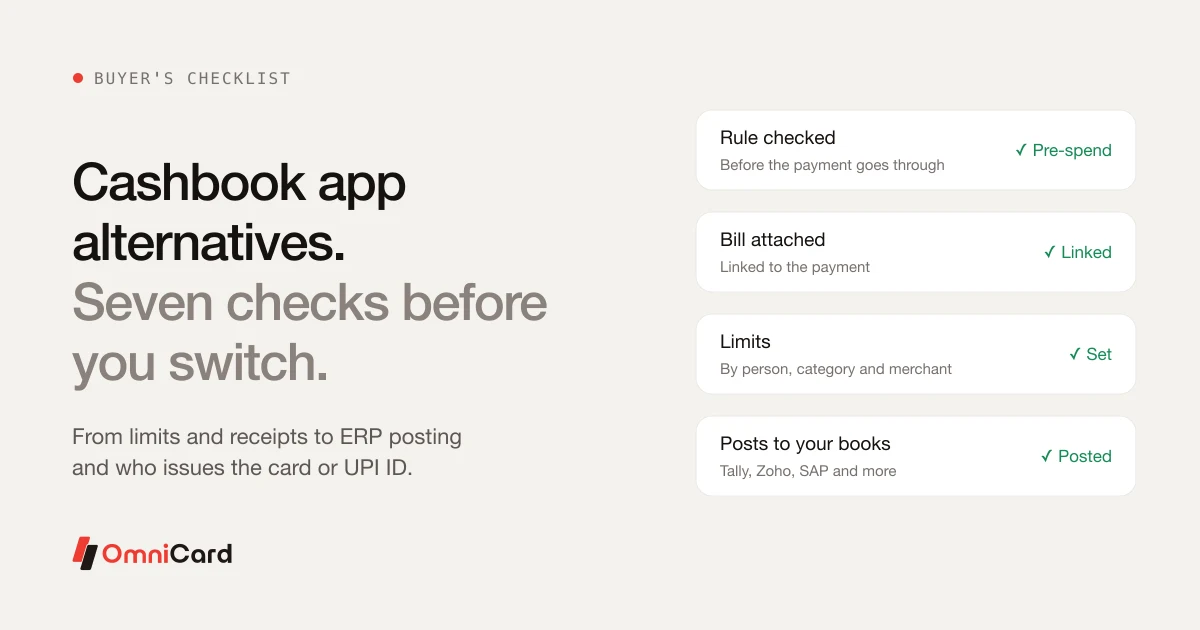
A cashbook records an entry after the money has moved. Control means a rule is checked before the payment goes through, such as a limit for an employee, a category or a merchant. Ask where the checking happens: at entry time, at month-end, or at the moment of payment.
2. Where does the money actually sit?
Some tools just track entries that someone types in. Others sit on the payment itself, so the record is created when the employee pays. The second type leaves less room for forgotten or back-dated entries.
3. How are receipts handled?
Look for bill capture at the time of spend (photo or scan), not a folder of images added later. Ask whether the bill is linked to the payment, because that link is what an auditor will want to see.
4. Can you set limits for each person and purpose?
A shared cash box has one limit: whatever is in it. Better tools let you set limits by employee, department, category, merchant, location and time, so a branch manager cannot spend on things the policy does not allow.
5. How does it connect to your accounts?
Check whether entries post to your accounting software (Tally, Zoho, SAP or others) without re-typing. Re-keying is where most reconciliation errors start.
6. Does it handle more than one branch or entity?
One cashbook per branch means many books to merge. Ask whether you get one view across branches and group companies.
7. Who issues the payment instrument?
If the tool offers cards or UPI, find out who issues them. Where the platform is itself the issuer, it can check a rule at the moment of payment. Where it depends on a partner bank, the checks may sit outside the platform.
Where OmniCard fits
OmniCard is built for businesses that have outgrown a cashbook. It is run by Eroute Technologies Pvt. Ltd., an RBI-authorised Prepaid Payment Instrument (PPI) issuer and a direct NPCI issuer for RuPay cards, UPI and FASTag, with no sponsor bank in between. Employees pay by UPI or RuPay card from company funds, and the rules are checked before the money moves. Each payment carries who paid, where, what for, the bill and the policy it was checked against.
For a side-by-side view using each company's own published information, read OmniCard vs Cashbook, which includes when the other tool may suit you better.
See how petty cash management works →
Quick checklist
- Rule checked before payment, not after
- Bill attached to the payment
- Limits by person, category and merchant
- Posting to your accounting software
- One view across branches and entities
- Clear answer on who issues the card or UPI ID
Keep reading
Petty Cash App for Business: Replacing the Paper Register

Expense Management for Multi-Store Retail Businesses: A Strategic Guide
How you can use Expense Manager App to optimize your Personal Finance
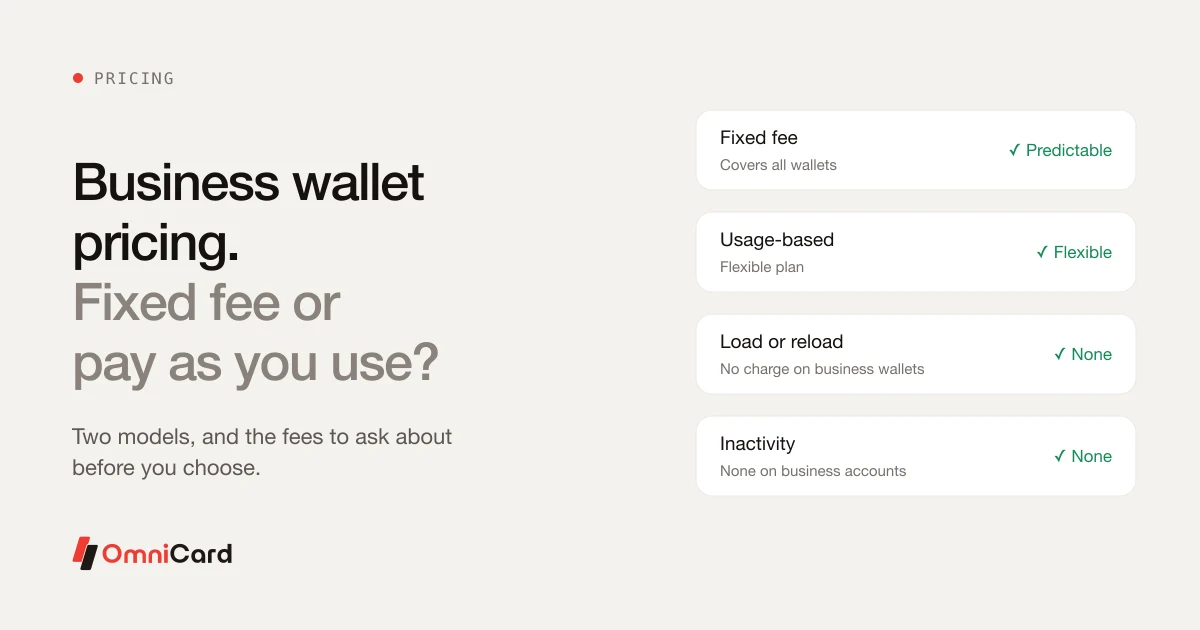
Business Wallet Pricing: Fixed Fee or Pay As You Use?

Imprest Cash: Understanding the Imprest System & Petty Cash