Swipe your card
At any merchant that accepts RuPay cards. Enter your PIN for swipe transactions.

Home/RuPay gift card guide
User guide · RuPay gift card
Scan the QR code on your gift card welcome letter, or go straight to giftcard.omnicard.in, and follow these steps.
Or scan the QR code on your welcome letter.
Use the number your gift card was issued to.
Enter the one-time password sent to your phone.
Your card is activated and ready to use.
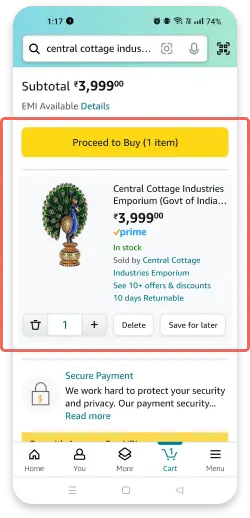
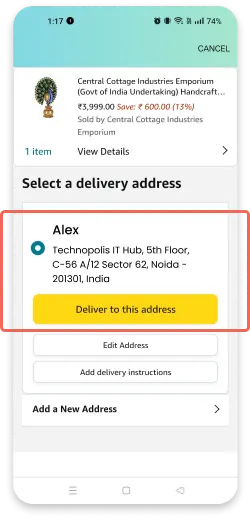
Add items to your cart and go to payment.
Enter the gift card as a card, not under 'gift card or promo code'.
Card number, expiry date and CVV.
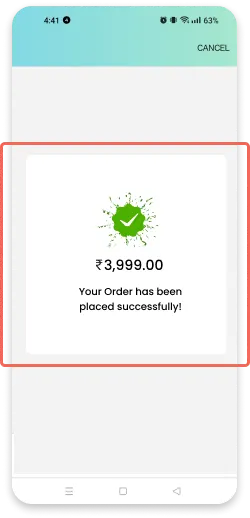
Complete the OTP check and you are done.
At any merchant that accepts RuPay cards. Enter your PIN for swipe transactions.
Tap to pay at any merchant that accepts contactless RuPay cards.