Why ERP Integration Is the Backbone of Modern Expense Control and How OmniCard Delivers It?
You have just finished a long, exhausting week, but the real work is only beginning. Instead of winding down, you are staring at a pile of crumpled receipts, trying to remember which client lunch belonged to which project. This manual "data dance" drains your energy and creates a dangerous gap between the moment money is spent and the moment it’s officially recorded. In practice, operating without connected software means your daily purchasing tools simply cannot communicate with your main accounting ledgers. It’s like trying to run a marathon with your shoelaces tied together.
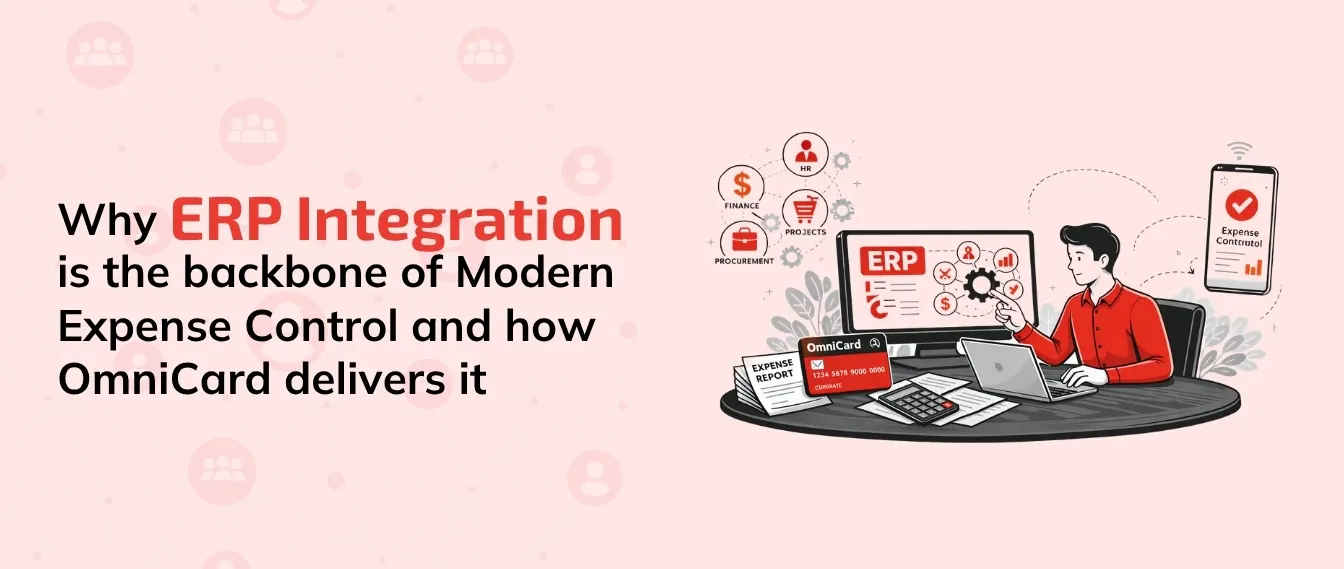
Enter your ERP (Enterprise Resource Planning) software, the company’s central brain. Whether you rely on Tally, Zoho Books, SAP, or Microsoft Dynamics, these systems securely hold the ultimate truth regarding your finances. Seamless expense management replaces month-end chaos by building a permanent digital bridge between your scattered tools and this central financial hub.
What to Expect From This Blog?

The Hidden Leakage: How manual Excel workarounds are costing you more than just time.
The Power of Connectivity: Why your ERP needs a real-time pulse from platforms like OmniCard.
Platform Deep-Dive: A look at how integration works across Tally, Zoho, and SAP.
The Productivity Payoff: How to reclaim 10+ hours a month by automating the "Swipe-to-Sync" workflow.
Expert Insights: Answers to the most searched questions regarding spend management and ERP synergy.
The Hidden Cost of 'Disconnected' Expense: Why Manual Entry Is a Liability

Typing numbers into a Friday afternoon spreadsheet might feel like you are managing a budget, but mere tracking is very different from actual control. For growing businesses, these manual Excel sheets quickly become a liability because they only show what happened weeks ago, not what is happening today.
The 1% Danger Zone: Human mistakes are inevitable. Even a tiny 1% typing error rate can silently wipe out thousands in company profits over a year through "financial leakage."
The Reconciliation Trap: This delay forces your team into manual data reconciliation—the tedious process of comparing paper receipts to digital bank statements by hand.
Lost Tax Benefits: Missed tax deductions often occur simply due to undocumented or miscategorized purchases that never made it from the receipt pile to the ledger.
The Productivity Sink: Every hour an employee spends on an expense report is an hour not spent on revenue-generating work.
To plug this hole, modern tools like OmniCard eliminate manual data entry and prevent double-entry errors by connecting daily spending apps directly to your company's main records.
Meet the Central Nervous System: Why Your ERP Needs to See Every Transaction
Running a business without a central hub is like keeping a toolbox scattered across five different rooms. When fixing a leak, you waste precious time hunting for the right wrench rather than actually solving the problem. That master toolbox is your ERP software.
The Single Source of Truth: Whether it’s SAP for large-scale operations or Zoho for agile teams, the ERP ensures everyone relies on the exact same numbers.
Predictive Power: Without all your information in one place, accurate forecasting becomes impossible. Centralizing data allows leaders to predict future cash flow instead of just reacting to yesterday's missing paper receipts.
Growth Readiness: Growth-stage enterprises require a unified financial ecosystem. Moving away from manual entry requires forging a highly reliable, seamless path between an employee's purchasing card and your core ledger.
Comparison: Manual vs. Integrated Expense Management
| Feature | The Old Way (Manual/Excel) | The OmniCard Way (Integrated) |
|---|---|---|
| Data Entry | Manual typing and CSV uploads | Automated API-led synchronization |
| Sync Speed | End-of-month or weekly batches | Real-time (as soon as you swipe) |
| Visibility | Retroactive (looking backward) | Proactive (live spending dashboard) |
| Software Compatibility | Disconnected files | Tally, Zoho, SAP, and more |
| Error Protection | Vulnerable to typos and duplicates | Built-in validation and mapping |
| Audit Readiness | Missing or faded receipts | Digital receipts attached to every entry |
Building the Digital Bridge: How API-Led Connectivity Replaces the Human Translator
You might be used to downloading a messy spreadsheet at the end of the month to upload into your system. That manual export is just a snapshot of the past, leaving you entirely blind to what was spent today. Modern business requires a living connection, not a historical record.
API-led connectivity for modern financial workflows changes this dynamic by acting as an invisible assistant. Instead of waiting for a human to translate and move data, OmniCard builds a permanent digital bridge between your daily tools and your master records in Tally or Zoho Books.
The Three-Step Automation Flow:
Swipe (Transaction): An employee pays for a client lunch or a software subscription.
Sync (Data Bridge): OmniCard instantly carries the receipt details, GST information, and category across the bridge.
Settle (ERP Update): Your central hub (like SAP or Microsoft Dynamics) records the expense immediately.
Achieving this real-time visibility means leaders can finally spot budget issues before the cash actually leaves the account. By knowing exactly who spent what instantly, you prevent overspending rather than just documenting it after the fact.
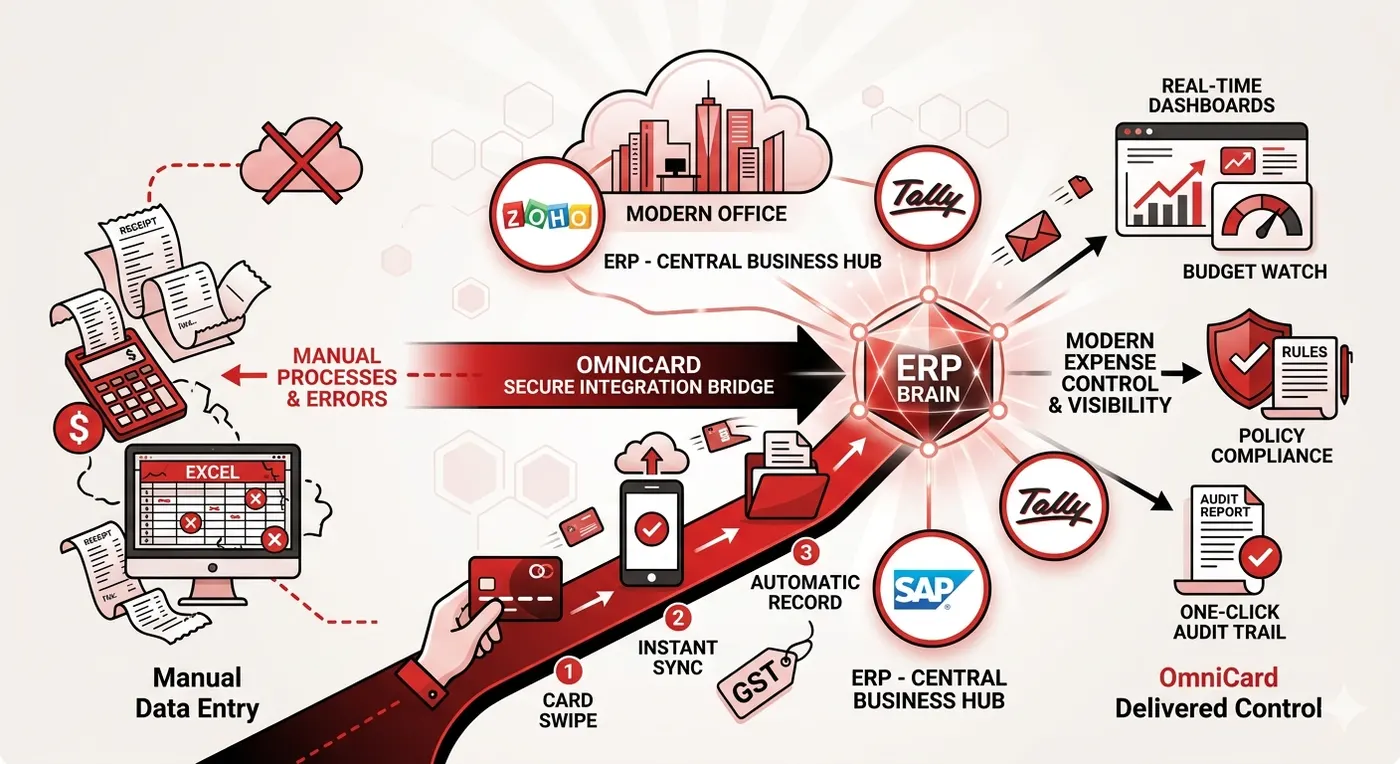
OmniCard in Action: Eliminating Policy Violations and Manual Work
Imagine reclaiming the Friday afternoons your team currently wastes hunting down receipts. By upgrading to spend management software with native ERP connectors, you plug OmniCard directly into your company’s central records without needing an IT expert.
Instant Category Mapping: No more guessing which GL code a purchase belongs to. OmniCard maps expenses to your existing accounting structure automatically.
Real-Time Policy Flags: If someone tries to buy a first-class ticket when your rules only allow coach, the system flags it instantly before the money is wasted.
One-Click Reconciliation: What used to take days now takes minutes. You can approve and sync hundreds of transactions with a single click.
Streamlined Audit Trails: Every approved transaction automatically attaches digital receipts to the central record, permanently replacing bulky metal filing cabinets.
Your Roadmap to Real-Time Visibility
The gap between your wallet and your company’s brain is finally closed. You no longer need scattered receipts to understand where your money goes. By experiencing the benefits of seamless OmniCard and ERP synchronization, you instantly transform unpredictable spending into clear, real-time visibility.
Start by evaluating your current gaps: identify where information gets stuck, which expenses frequently vanish, and how many hours involve manually typing numbers into Excel. Your simplest first step is linking your primary accounting software—be it Tally, Zoho, or SAP—directly inside the OmniCard dashboard to activate a secure, continuous connection.
Frequently Asked Questions (FAQs)
- Does OmniCard integrate smoothly with Tally and Zoho Books in real life, or does it still require manual Excel workarounds?
In real-world applications, OmniCard provides direct, API-led integration that eliminates the need for manual Excel uploads. While many legacy systems force you to download and format CSV files, OmniCard communicates directly with Tally and Zoho Books, ensuring that your ledger is updated automatically. This removes the "Excel middleman," reducing human error and saving your finance team significant hours every month.
- Can spend management software handle complex tax requirements like GST in India?
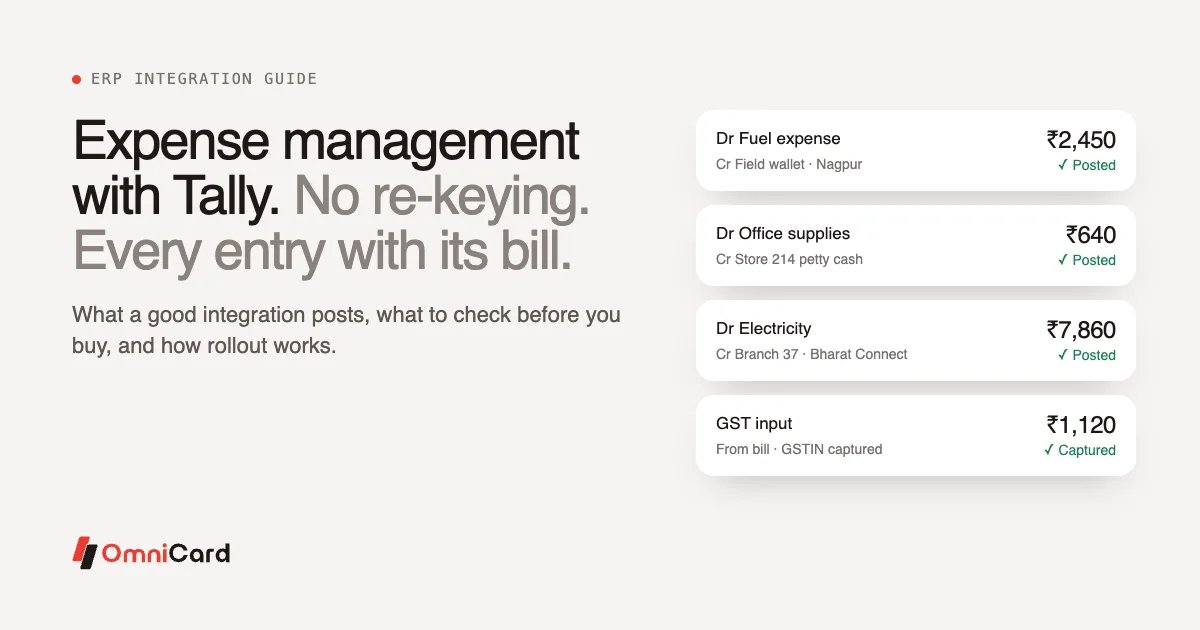
Yes, this is one of the primary benefits of using a localized solution like OmniCard integrated with Tally or Zoho. The system is designed to capture GST details at the point of spend. When the transaction syncs with your ERP, it carries over the necessary tax data, making GST filing and input tax credit (ITC) claims much more accurate and less labor-intensive for your CAs.
- Is it difficult to set up these integrations for small to mid-sized businesses?
Not at all. Modern "No-Code" connectors mean you don't need a dedicated IT team to link OmniCard to your accounting software. Most integrations involve a simple authorization process through the dashboard. Once linked, the "digital bridge" stays active, providing a secure and continuous flow of data that scales as your business grows—from simple Excel tracking to full-scale SAP implementation.